1
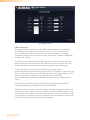
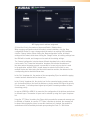
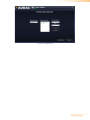
M2 General paging configuration
3) Configure the APM buttons
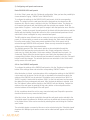
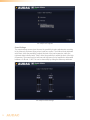
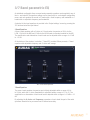
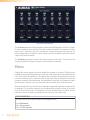
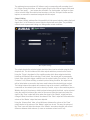
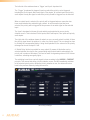
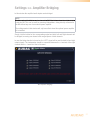
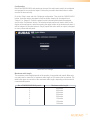
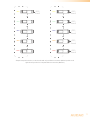
After clicking the ‘Next’ button, an overview of the APM keypad will be given. The number
of buttons displayed in this window,depends on what type of APM paging console is
connected to your system.
On the left side of the window a dropdown list is shown which allows browsing between
the different layers (when enabled). Simply click on the button you would like to assign
function to.
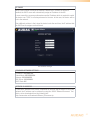
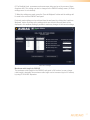
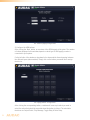
M2 Paging Button Configuration
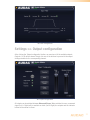
After clicking the corresponding button, a window will come up in which you need to
select the action that should be executed when this button is clicked. The selectable
functions are: Output Select, Play Message, Toggle Relay & Pulse Relay.
64