1
3.7
The Lost Power Feature
3.7.1 General
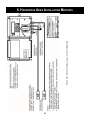
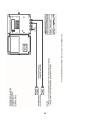
The lost power feature is designed to trigger a warning signal (e.g., an alarm or warning light) when
the meter loses power and is no longer reading flow. The meter records the number of power losses
which appears on the Lost Power screen. Relay 4 is the dedicated lost power relay. This feature is
ideal for applications where flowmeter operation is critical. For example, a warning light in a control
room, powered by an independent source, can indicate when the meter loses power. Refer to
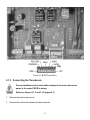
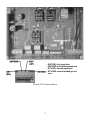
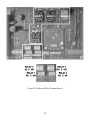
Section 3.1.1 (page 14) to connect the lost power feature.
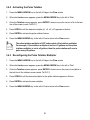
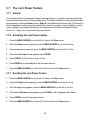
3.7.2 Activating the Lost Power Feature
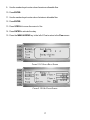
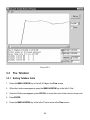
1. Press the MENU ARROW key to the left of Output in the Flow screen.
2. When the Output screen appears, press the MENU ARROW key to the left of Log.
3. Once the Log screen appears, press the MENU ARROW key to the left of Lst Pwr.
4. When the Lost Power screen appears press ENTER.
5. Press SCROLL until the cursor moves to Yes.
6. Press ENTER to activate relay 4 as the lost power monitor.
7. Press the MENU ARROW key to the left of Flow to return to the Flow screen.
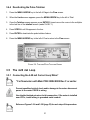
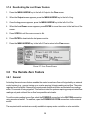
3.7.3 Resetting the Lost Power Feature
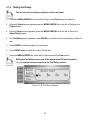
1. Press the MENU ARROW key to the left of Output in the Flow screen.
2. When the Output screen appears, press the MENU ARROW key to the left of Log.
3. After the Log screen appears, press the MENU ARROW key to the left of Lst Pwr.
4. When the Lost Power screen appears, press SCROLL until Yes appears after Reset.
5. Press ENTER to reset the lost power feature.
6. Press the MENU ARROW key to the left of Flow to return to the Flow screen.
38