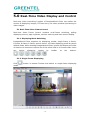
1
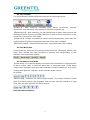
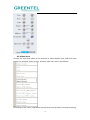
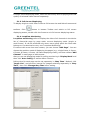
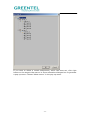
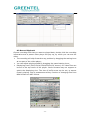
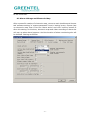
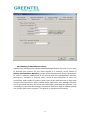
net segment of your equipment conforms to video servers. Choose 【Server
Management】 button in “Option” in top menu.
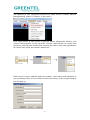
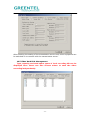
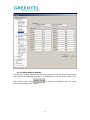
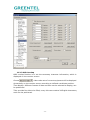
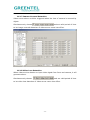
Click right button of the mouse in pop-up server assignment window, and
choose “Add Projects” in pop-up menu. Choose “Add Groups” for newly built
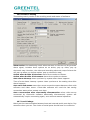
project by clicking right button after entering the name, then click right button
for newly built group and choose ‘add server’.
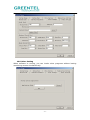
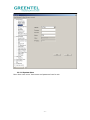
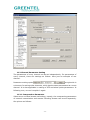
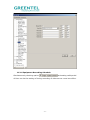
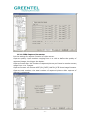
Enter server’s name, address and port number, users name and password in
pop-up dialogue-box. If one of them is filled incorrectly, an Error type dialogue
box will pop up.
- 21 -