1
Adding Actions
Visual Form Editor
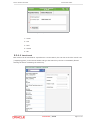
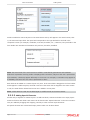
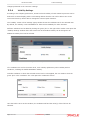
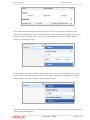
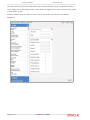
Figure 9: Action link in actions line and in section
5.2.2.2 Adding Fields
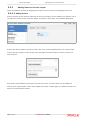
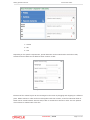
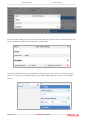
Fields (items from the 'Fields' subsection of the source section) can only be added in the fields section
(the main part of the form builder screen). Fields can only be added into sections or tabs. If a single
field is dropped in the form builder, it creates a section of its own. The place where the dragged field is
to be added is marked with a blue line.
Figure 10: Field adding
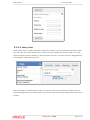
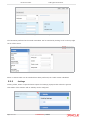
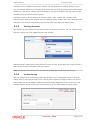
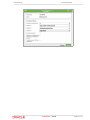
Each new section is created without a name. The section name is marked with the [Section name is
empty] message at the top of each section. The user can click this message and type the section name
instead.
Confidential || Oracle
Page 9 of 21