1
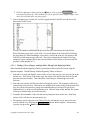
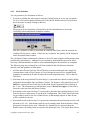
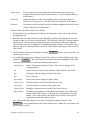
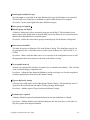
The first option will print blanks instead of prices for all items in the list. This option could be
used to send to suppliers for price quotes. The second option will only print those items where
the Net Price is shown as QUOTED. (Any item can be changed to QUOTED by clicking on the
price of that item and entering a Q.) The third option hides part number and manufacturer
information (should this be preferred). The output from the print command is suitably designed
for faxing to your supplier. Note that every time that changes are made to the Price Quote Sheet,
the job will require Re-Calculation.
4.6.
Worksheets Tab
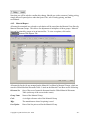
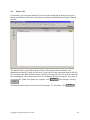
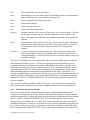
QuoteExpress supports the downloading of job data to an Excel™ spreadsheet allowing further
analysis and estimating. Once you have successfully configured the Excel™ program and suffix
information in the configuration menu, you can load job specific information into your
worksheet automatically from the Job screen (even for existing jobs). To create a new
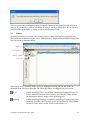
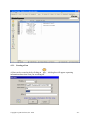
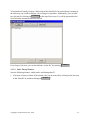
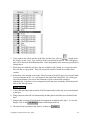
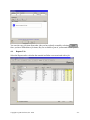
worksheet, first recalculate the job using Reports⇒Re-Calculate. Next, select the worksheets
option Reports⇒Worksheets....and type the name of the worksheet to be created (for example,
base) under the heading Worksheet Name.
Copyright © Quote Software, Inc. 2006
- 69 -