1
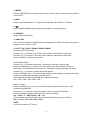
31. [STOP]
Press to stop the playback.
32. [A-B]
Press to setup A-B repeat playing.
33. [REPEAT]
Press to select the chapter / title / disc to repeat playing.
34. [P/N]
Press the button to switch the video output (PAL/NTSC) when playing DVD disc.
35. [STEREO]
Press to turn the stereo on / off under Radio Mode.
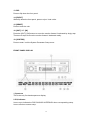
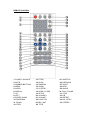
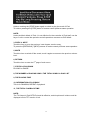
REPLACING THE BATTERIES
If the remote control has no function or if the operating range reduced, replace the old
battery with new one.
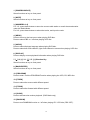
1. Pull out the battery holder. Follow the
arrow 1 slide it to the right toward the
battery while at the same time pull the
battery holder away from the remote
control.
2. Place the new battery. Place the new
lithium battery with the (+) side up.
3. Push the holder back. Using the finger
to push in the holder back until the
locking sound is heard.
20