1
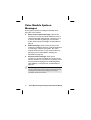
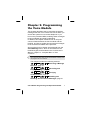
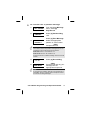
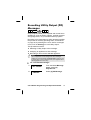
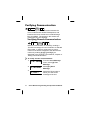
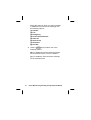
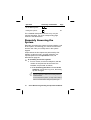
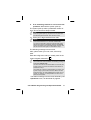
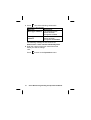
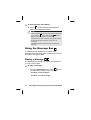
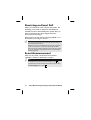
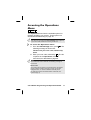
To record a zone or partition message:
1.
VOICE MESSAGE:
1) MSG. STRUCTURE
From the Voice Message
menu, select [2]
Play/Record.
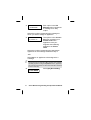
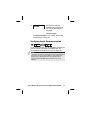
2.
PLAY/RECORD:
1) COMMON MSG.
Select [2] Partition Msg.
-ORSelect [3] Zone Message.
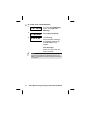
3.
CHOOSE PART:
1) PARTITION 1
Select the appropriate
partition or zone number
and press
#
Unset
.
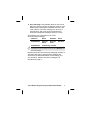
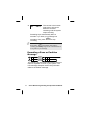
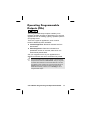
NOTE:
The number of zone and partition messages that can be
recorded for each ProSYS panel are as follows:
ProSYS 40: Zone s 1-32, Partitions 1-4.
ProSYS 128: Zones 1-32, Partitions 1-8.
All other zones have a default message of the zone serial
number.
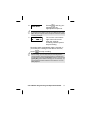
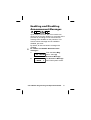
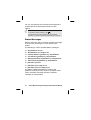
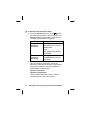
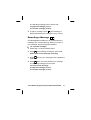
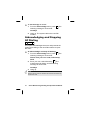
4.
PARTITION 1:
1) PLAY MSG
Select [2] Record Msg.
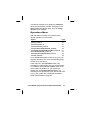
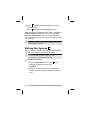
5.
PRESS # TO START
MESSAGE RECORD
Press Unset and say your
message into the
appropriate microphone.
#
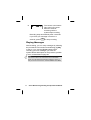
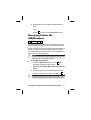
NOTE:
A microphone is located in both the Voice module and in
each MBU. Ask your engineer which microphone should
be used for recording messages.
Voice Module Programming and Operations Manual
13