1
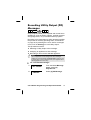
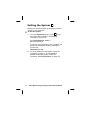
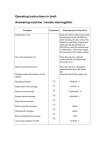
To set all partitions: 1
1
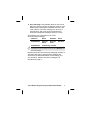
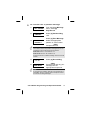
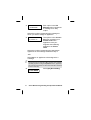
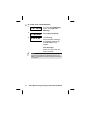
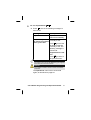
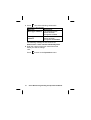
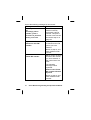
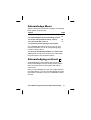
Press 1 . One of the following messages is
announced:
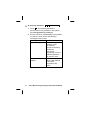
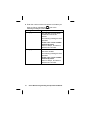
Message
Description
All partitions are set. All partitions have
been set successfully.
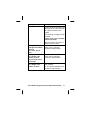
To force set, press 2. 1 or more partitions are
To return to previous not ready to set.
menu, press star.
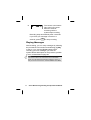
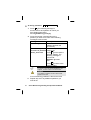
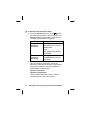
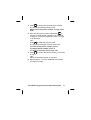
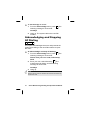
Press 2 to force set
all partitions that are
not ready to set. The
following message is
announced:
All partitions are set.
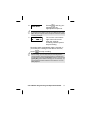
-OR-
*
to return to
Press
the previous menu.
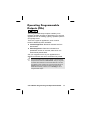
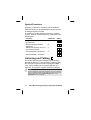
NOTE:
The option to force set can be disabled by your engineer,
and in this case it is not announced.
WARNING:
Force setting a partition results in leaving that partition
unsecured.
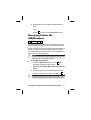
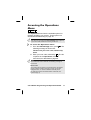
The Operations menu is then announced
again, as described on page 29.
Voice Module Programming and Operations Manual
31