1
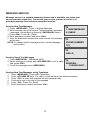
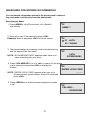
SEARCHING FOR ENTRIES IN PHONEBOOK
You can search information stored in the phone book in various
way and make a call directly from the phonebook.
Searching by Name
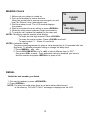
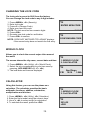
1. Press <MENU>, <1>(Phone book), <1> (Search),
<1> (Name).
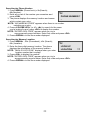
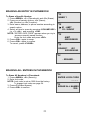
NAME ?
_
2. Enter all or part of the name and press <OK>.
Example) Enter A and press <OK> to find all names
▶ 01 : LATA
02 : VISHAL
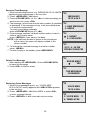
3. The phone displays the memory location numbers along
with the name of the first match.
LATA
022255558282
NOTE: “NO NAME MATCHES” appears when there is no
name matching with your entry.
4. Press <VOLUME KEY> (or <*>, <#>) to search for the name
you’re looking for and press <OK> to display the
number.
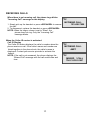
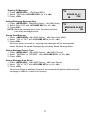
NOTE: “ENTER LOCK CODE” appears when you try to
Access secretly saved number. Enter lock code and
press <OK>.
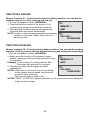
ENTER LOCK CODE
____
5. Press <REDIAL> to dial the number displayed to make
a call.
CALLING....
02255558282
21