1
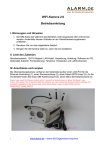
Video camera Manual V2.3
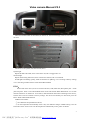
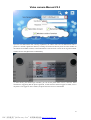
2. The first power-up the camera, press the camera after a successful start on the code key, to be
heard from the camera after the buzzer short beeps, indicating the camera is turned on automatic code,
release the code key. (Press the code key 30 seconds after the effective)
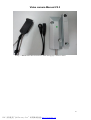
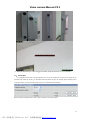
3. Then press the door of the code key (door of the black button) until you hear the camera buzzer
sound indicates success of the code length, loosen the door of the code key.
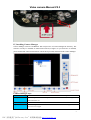
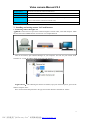
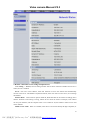
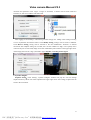
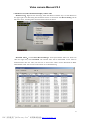
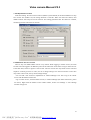
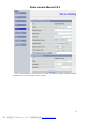
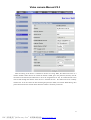
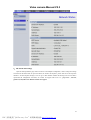
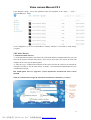
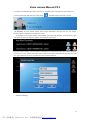
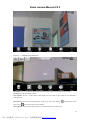
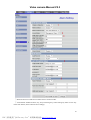
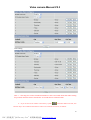
4. At this point of the code is complete, then open the camera's web page, in the Settings → Wireless
Accessories a bar code can view the already successful device, as shown below.
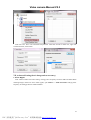
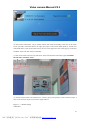
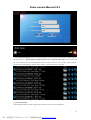
Method Two:Manually add
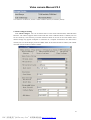
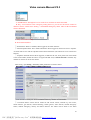
Use For GUN720 and accessories can not be automatically added
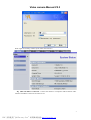
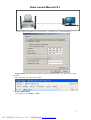
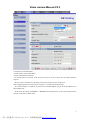
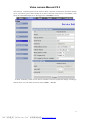
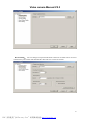
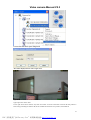
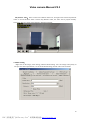
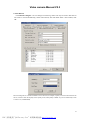
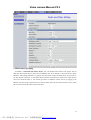
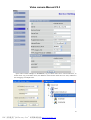
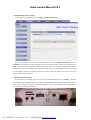
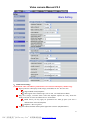
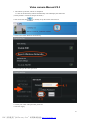
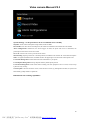
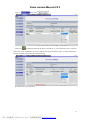
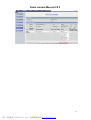
Login camera, enter the management interface,Click Setting → Accessory
51
PDF 文件使用 "pdfFactory Pro" 试用版本创建 www.fineprint.cn