1
will end automatically.
6.
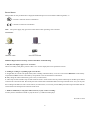
Press “LIGHT” to turn the background light on and off.
7.
Press the “TALK/SNZ” button on top at any time to hear the time.
DVR Diagram
Time-telling/ Talk/
SNZ button
I. Structure Diagram
Rotational cover
1、
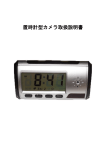
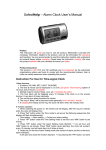
、Alarm Clock
TF card
Lens
USB Port
Turn ON
Electric Clock Function Button
Turn OFF
Receiver
2、
、Remote controller
Transmitter
Switch button
Motion detection video
Take a photo
Video
Sound recording
4