1
12. Instrument Details
12.1 Introduction
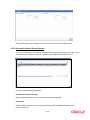
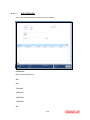
Instrument transactions entered through an Oracle FLEXCUBE branch are stored in the host
Oracle FLEXCUBE database through the Instrument details screen.
The Instruments module of Oracle FLEXCUBE provides for the maintenance of appropriate
reference information, which would enable entry of instrument transactions from an Oracle
FLEXCUBE, and also enable you to view and enrich transactions that have been entered through
a Branch.
The accounting and charges details for combinations of product, customer, branch and currency,
that will be applicable for instruments transactions, must be maintained in the host Oracle
FLEXCUBE installation, through the ARC Maintenance.
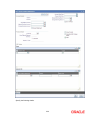
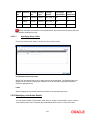
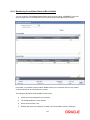
12.2 Maintaining the Details of the Instrument
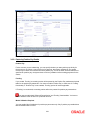
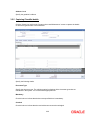
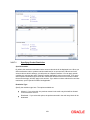
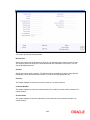
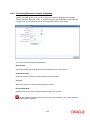
As part of the instrument type maintenance, you have to maintain a list of currencies, branches
and DAO GL for an instrument type.
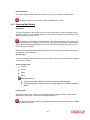
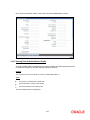
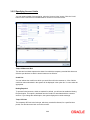
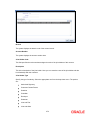
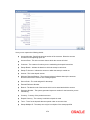
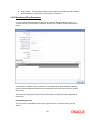
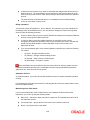
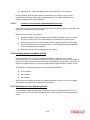
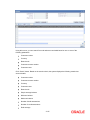
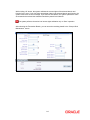
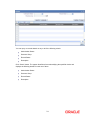
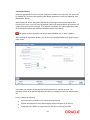
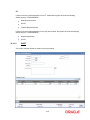
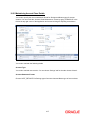
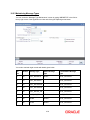
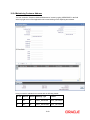
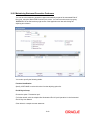
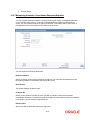
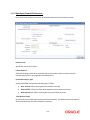
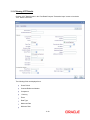
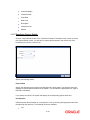
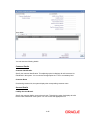
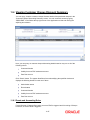
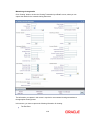
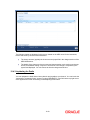
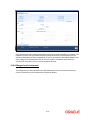
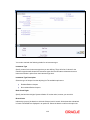
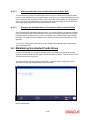
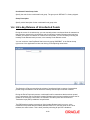
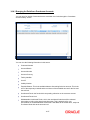
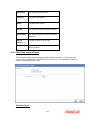
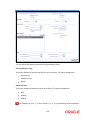
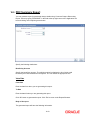
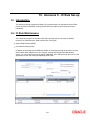
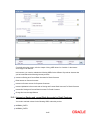
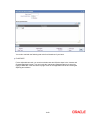
You can invoke the ‘Instrument Type Maintenance’ screen by typing ‘DDDPRMNT’ in the field at
the top right corner of the Application tool bar and clicking on the adjoining arrow button.
12-1