1
Appendices
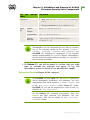
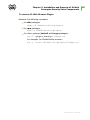
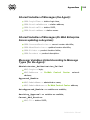
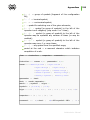
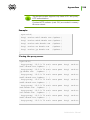
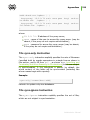
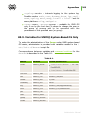
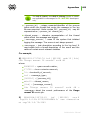
parameters the specified addresses will be displayed.
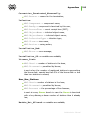
Database
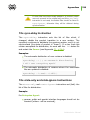
<DRIVER>
from
<PATH>
<PARAMETERS>
using
Determination of the database. <DRIVER> — database driver
name, <PA T H> — path where the driver is to be loaded from,
<PARAMETERS>— connection parameters between the
Server and the database. Read more in p. Setting the Mode
of Operation with Databases.
This instruction can be used only once in the configuration
file.
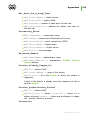
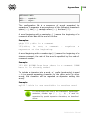
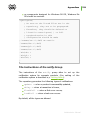
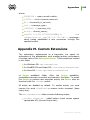
<DRIVER>
<PARAMETERS>
Alert
from
<PATH>
using
Determination of the "annunciator". <DRIVER> — annunciator
driver name, <PATH> — path where the driver is to be loaded
from, <PARAMETERS>— annunciator parameters. Read more
in p. Setting Alerts.
This instruction can be used only once in the configuration
file.
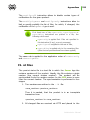
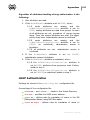
In this and in the next instruction the parameters in the
using field are separated by spaces. The parameter name
is separated from the value by an equal sign (=) (should
not be surrounded by spaces). If the parameter can have
more than one value, they are separated from each other
by the vertical bars (|). If the parameter value contains
equal signs, vertical bars or spaces, they are replaced with
the &&e, &&l, &&s sequences accordingly.
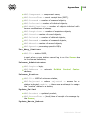
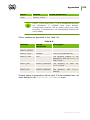
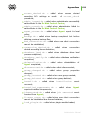
Transport <NAME> <STREAM> <DATAGRAM>
It determines the transport protocols and assigns them to
network interfaces. <NAME> — Server name set as in the
name instruction above, if an empty line is specified, the name
is taken from name. <STREAM> (for example, tcp/),
<DATAGRAM> (for example, udp/) have the format described
Administrator Manual
340