1
Appendices
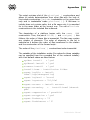
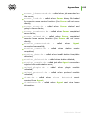
in Appendix D. The Parameters of the Notification System
Templates.
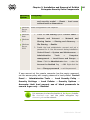
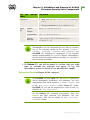
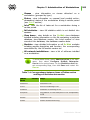
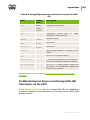
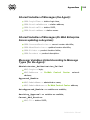
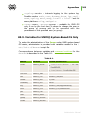
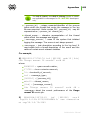
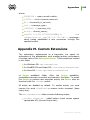
Disable Message <message>
To disable sending messages of a specific type; possible
parameter values: message type; the full list of message types
is in the var/templates folder.
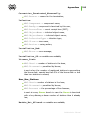
Disable Protocol <protocol>
Disable using of one of the Server protocols; possible values
are AGENT, SERVER, INSTALL. The SERVER protocol is
disabled by default. Read more in p. Setting the Dr.Web
Enterprise Server Configuration.
Disabling unnecessary protocols saves system resources.
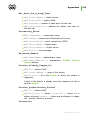
Disable Plugin <module>
Disable the use of plug-ins for the Server. Legitimate value:
WEBMIN. For details see Setting the Dr.Web Enterprise Server
Configuration.
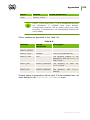
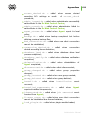
ShowHostNames=<value>
Enable computer domain names in the log instead of the TCP
address. Possible values: Yes or No.
ReplaceNetBIOSNames=<value>
Enable replacing computer NetBIOS names with the DNS
name. Possible values: Yes or No.
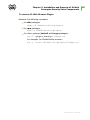
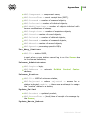
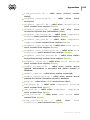
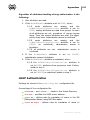
Organization,
Department,
Country,
Province, City, Street, Floor, Room, Latitude
and Longitude parameters define additional information
The
about the location of the workstation.
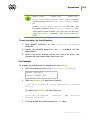
TrackAgentJobs <value>
Enable writing the results of task completion for workstations
Administrator Manual
341