1
Chapter 5: Anti-Virus Network Administrators
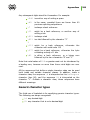
3. Authentication methods via LDAP and Active Directory can
be swapped in the Server settings, but authentication of
administrator from the Server DB is always used first.
4. Authentication methods via LDAP and Active Directory are
disabled by default.
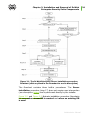
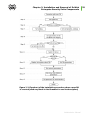
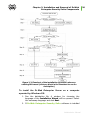
To swap LDAP and Active Directory authorization usage:
1. Select Administration in the main menu of the Control
Center.
2. Select Authorization in the control menu.
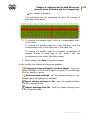
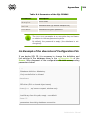
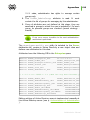
3. In the opened window, list of authorizations types is
represented in the order of use. To change this order, click
the arrow on the left of authorization type name. Items
Microsoft Active Directory and LDAP authorization will
be swapped.
Authentication of Administrators from the
Server DB
Authentication method with storing administrator
information in the Server DB is used by default.
account
To manage administrators list:
1. Select Administration in the main menu of the Control
Center.
2. Select Administrative accounts in the control menu. The
list of all administrators registered in the DB will be opened.
See the Management of Administrative Accounts section for
details.
Active Directory Authentication
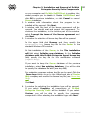
To enable Active Directory authentication:
1. Select Administration in the main menu of the Control
Center.
2. Select Authorization in the control menu.
Administrator Manual
140