1
PAMSPAN501x G.SHDSL.bis EFM Gateway
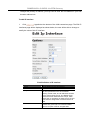
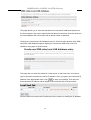
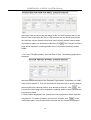
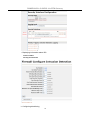
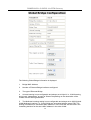
2. Click on the Name drop-down list and select the LAN service that you want to
base your security interface on.
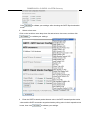
3. Click on the Interface Type drop-down list and specify what kind of interface it is
depending on how it connects to the network; external, internal or DMZ.
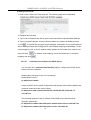
4. Click
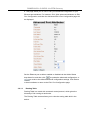
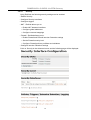
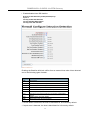
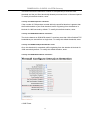
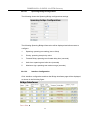
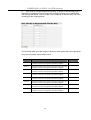
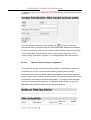
. The Security page will be displayed. The Security Interfaces section
contains a table that displays information about each security interface that has
been created:
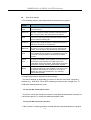
• Name – the name of the LAN service that the security interface is based on
• Type – the type of network connection specified
• NAT settings - contains hyperlinks that allow NAT to be configured.
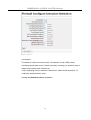
• Delete Interface... hyperlink - Click this to display the Security: Delete Interface
page. Check the interface details, and then click the Delete button.
3.2.4.1.5
Configuring NAT
To configure NAT:
1. Enable Security
2. Create at least two different security interface types based on existing LAN
services
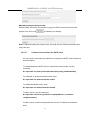
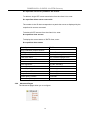
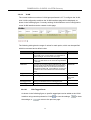
3. Once more than one security interface has been created, the NAT column in the
Security Interfaces table will indicate that NAT can be enabled between the existing
security interface and a network interface type. For example, if an external interface
-61