1
154
Exploring Your Options
Exploring video features
Changing the display properties setting
1
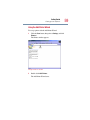
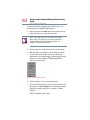
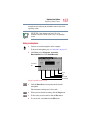
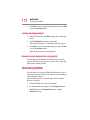
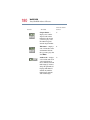
Right-click anywhere on your desktop and select Properties.
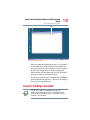
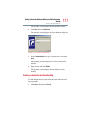
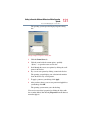
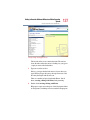
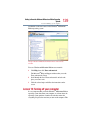
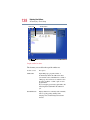
The Display Properties dialog box appears.
Sample Display Properties dialog box
2
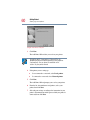
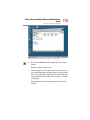
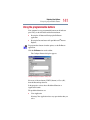
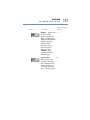
Click the Settings tab.
3
Slide the Screen area slider bar toward Less until the setting
reads 640 x 480.
4
Click Apply, then OK.
Direct video output to television
1
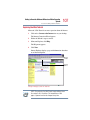
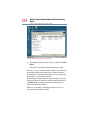
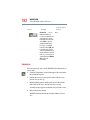
Click Advance button.
2
Select Twin view tab.
3
Click Output device button.
4
Choose Select output device.
5
Click on TV option.
6
In Format, select NTSC-n.
7
Click Apply.