1
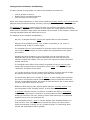
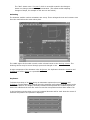
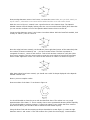
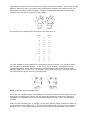
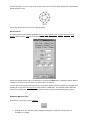
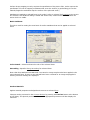
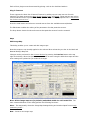
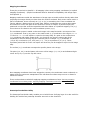
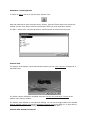
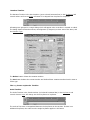
The timelines are the red horizontal lines and the colored dots at the end of the timelines are the
keyframes.
Designing
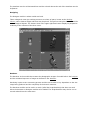
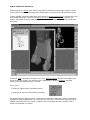
The Designer module is where models are built.
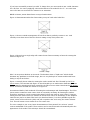
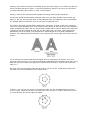
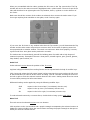
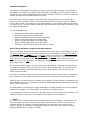
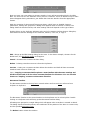
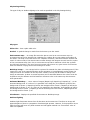
Three orthogonal views give working access to a volume of space, known as the WorkingVolume, where Vertices edges and faces may be placed. This gives a triangular faceted model for
real or imagined objects. The Camera View in the upper right hand corner displays a perspective
rendering of the contents of the three views.
Renderer
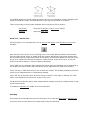
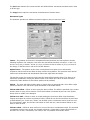
The Renderer is the module that creates the photographic images of models built in the Designer
and the animated sequence of images as directed in the Animator.
Rendering is quite a time consuming process and the time it takes is very dependent on the size
image being produced and the complexity of the Actor's costumes.
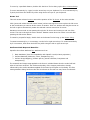
The Renderer module can be used in a mode (called the Script Renderer) that does not need
either the Animator or Designer modules to be loaded. The Script Renderer may also be run on
several others PCs at the same time.