1
myHomeControl®
Version 1.2.9
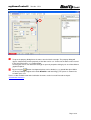
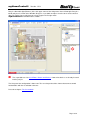
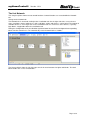
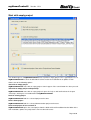
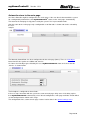
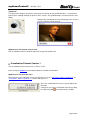
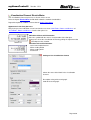
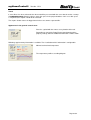
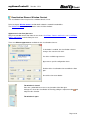
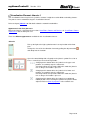
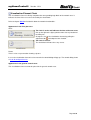
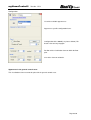
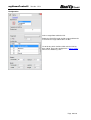
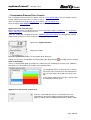
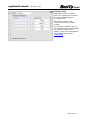
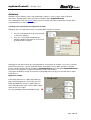
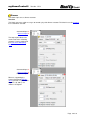
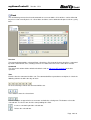
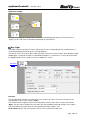
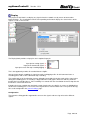
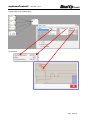
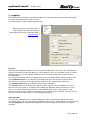
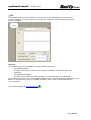
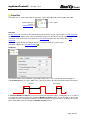
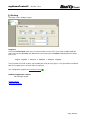
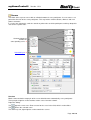
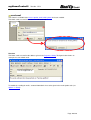
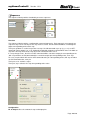
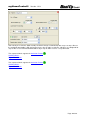
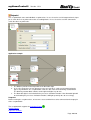
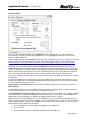
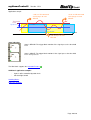
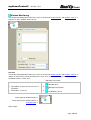
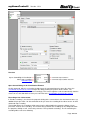
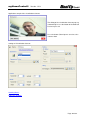
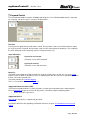
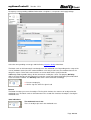
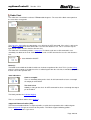
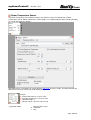
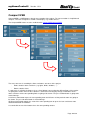
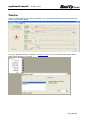
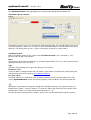
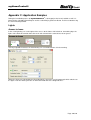
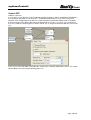
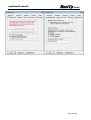
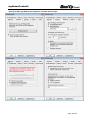
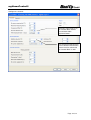
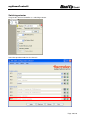
The button “Calibration Run” enables the time measurement.
As soon as the button is checked, the calibration function the button presses received from the input pins
of the block. If required the jalousie might be drived up in the upper end position. This will not start the
time measurement.
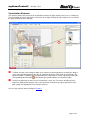
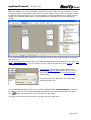
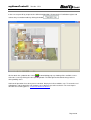
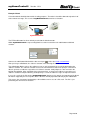
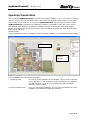
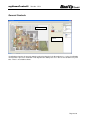
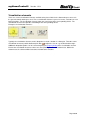
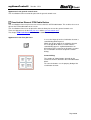
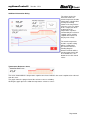
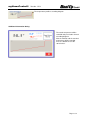
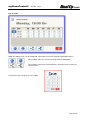
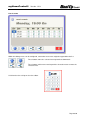
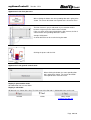
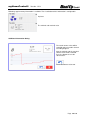
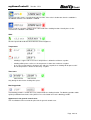
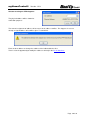
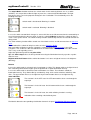
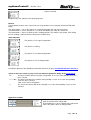
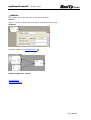
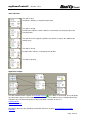
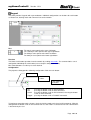
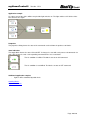
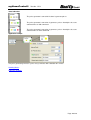
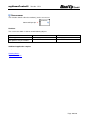
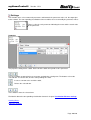
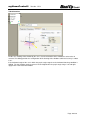
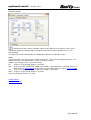
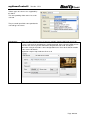
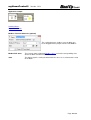
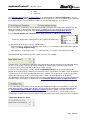
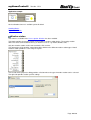
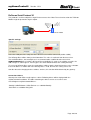
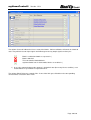
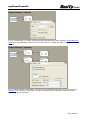
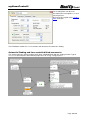
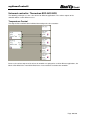
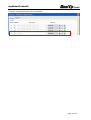
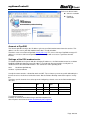
If the jalousie is commanded to drive down, the measurement starts. This is indicated by following
symbol:
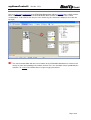
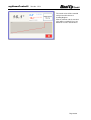
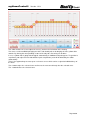
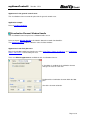
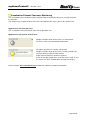
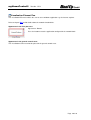
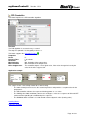
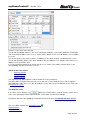
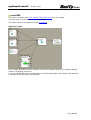
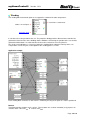
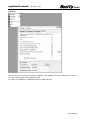
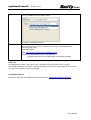
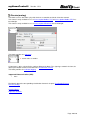
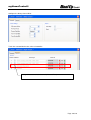
As soon as the jalousie has reached the lower end position, the user has to press the button of the rocker
push button again to indicate that the jalousie is down. This stopps the measurement of time and the
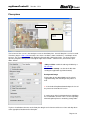
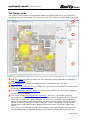
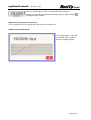
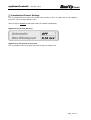
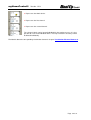
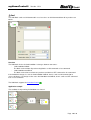
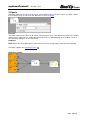
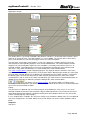
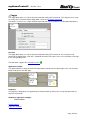
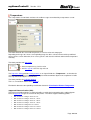
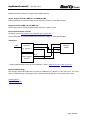
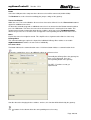
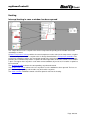
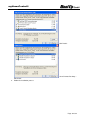
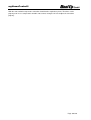
block copies the measured time value into the input field accordingly. This is indicated by following
symbol:
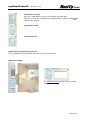
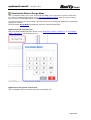
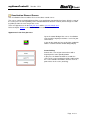
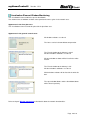
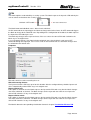
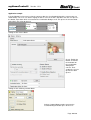
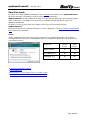
Now the Calibration Run button can be released. If the settings dialog is closed, then the button releases
automatically.
Page 143/143