1
myHomeControl®
Version 1.2.9
Introduction
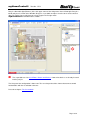
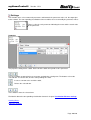
This chapter gives a short overview about the functionalities of myHomeControl.
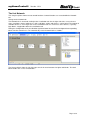
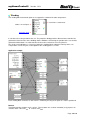
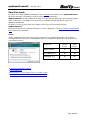
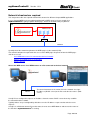
The chapter „First Steps“ introduces how to work with myHomeControl. This is done on the basis of
an example.
What is myHomeControl
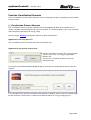
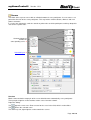
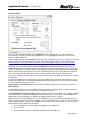
myHomeControl integrates building automation visualization and control tasks into one system.
User operation, indication, visualization and system functions are integrated. The application my be free
defined and is not restricted. No programming skills are needed, the application is defined with graphical
symbols.
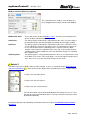
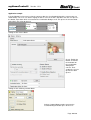
Application samples:
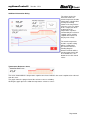
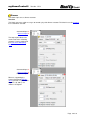
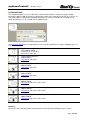
Energy Saving
myHomeControl saves energy by turning of lights in case they is no
further need, lowering rolling shutters during the night phase consequently
and by lowering the heating temperature during absence of the inhabitants.
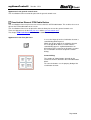
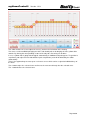
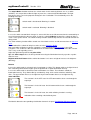
Presence Simulation:
myHomeControl closes the rolling shutters / sun blinds when it gets
dark, is turning the light on and off in different rooms and when it gets
morning the blinds are opened as usual. With this function in use, the
house really will look “lived in” when you are away.
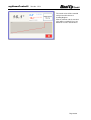
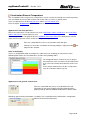
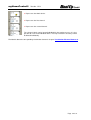
Sun blinds:
myHomeControl manages the position of the sunblind according to the
weather and the altitude of the sun. The altitude of the sun is considered
based on the daytime and date.
Scenes / Light control:
myHomeControl can be used to switch or dim individual lights or
groups of lights automatically, based on the time of day, or the use that the
room is being put to, or whether the house is in use or empty, or some
external event (e.g. Intruder Alarm triggered).
myHomeControl operates as a scene-setting light control system.
Scenes may be stored and recalled by a fingertip. The scenes include light
control and sun blinds management.
Security / Monitoring:
myHomeControl monitors the doors, windows and lights. Before leaving
the house at a glance check which window is open and where is the light
still switched on.
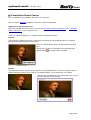
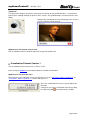
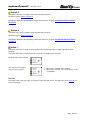
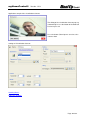
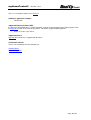
Cameras:
myHomeControl supports most of the commonly used cameras (USB,
IP). Life pictures may be embedded into the visualization.
Load Limitation:
myHomeControl monitors the power consumption level and controls the
total load by turning off and on various electrical consumers in case there
are constraints given by the power provider.
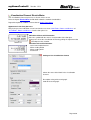
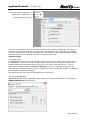
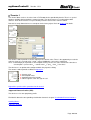
Daylight:
myHomeControl daylight switch knows the sunrise time and the sunset
time. The calculation is based on date, time and the altitude of the sun.
Irrigation:
myHomeControl evaluates the timing to irrigate your plants or
processes the irrigation process by it self.
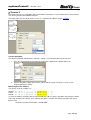
Alarming:
myHomeControl may send out alarms using e-mail, SMS or phone
calls. The alarm condition may be formed as desired e.g. if in case of
absence a window is opened.
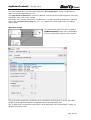
Remote Control:
myHomeControl may be remote controlled using the local network, the
Internet or mobile phones.
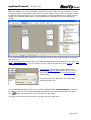
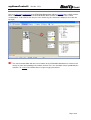
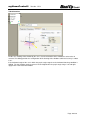
myHomeControl is free programmable. The programming is done graphically and doesn’t request any
programming skills.
Page 2/2