1
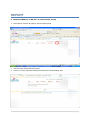
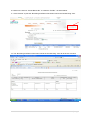
B. TO CREATE A NEW FILING FOR THE ADDITIONAL DOCUMENT OF THE SAME SET
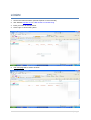
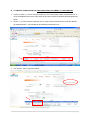
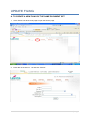
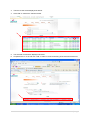
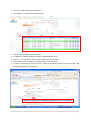
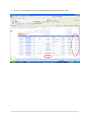
1. In prior to check () on the “Confirm Create List” box of the previous data, complete item no. 210 for the additional document of the same set and click “Add” then the data will be displayed as
below.
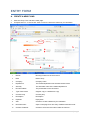
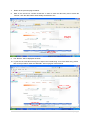
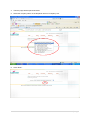
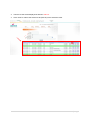
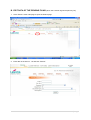
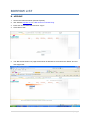
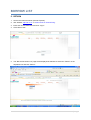
2. Check () on the “Confirm Create list” box in order to save the data and to create the “Ref No.”
as displayed below. The data will be automatically transferred to CA.
4
2
1
3
4
5
6
7
8
9
10
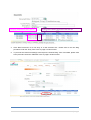
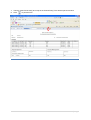
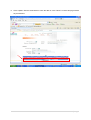
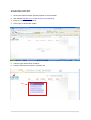
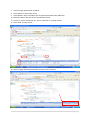
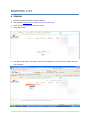
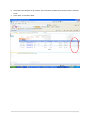
3. The “Ref No.” will be opened as below.
6|Page