1
IMD Drive User Manual
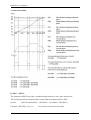
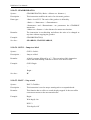
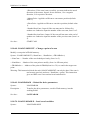
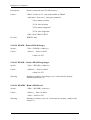
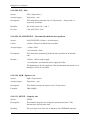
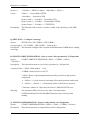
LOADCAM(2,0,10,76,0,1,0,1,1,3,1)
‘ Loading cam n °3 : 6 points, single-shot
LOADCAM(3,0,86,6,1,1,0,1,1,0,0)
‘ Launching of cam C1 => execution of C1, then C2
STARTCAM(1)
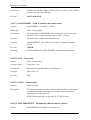
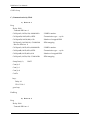
WAIT CAMNUM_S=2
‘ Wait execution of C2
.....
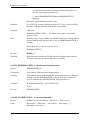
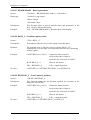
WAIT INP(StopInfo)
‘ Wait for stop requirement
ENDCAM(Slave)
‘ Stop cam 2 at the end of profile
‘ and then cam 3
WAIT NOT CAM_S(Slave)
‘ Wait for end of cam 3
.....
END PROG
G) State of the cam:
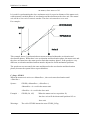
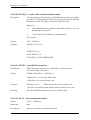
Three functions can show the current state of a servo board running a cam.
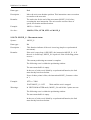
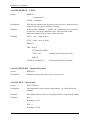
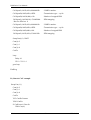
Instruction MOVE_S : permits to know if a cam is running
Example :
IF NOT MOVE _S THEN GOTO FINCAME
‘Stopped cam
IF MOVE _S THEN GOTO CAME_EN_COURS ‘Running cam
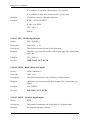
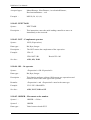
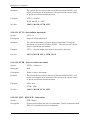
Instruction CAMNUM_S : returns the number of the running cam. The returned value is
valid only if MOVE_S is set.
Example :
IF CAMNUM_S=1 THEN GOTO ATTENTE_FIN_CAME_1 ‘Cam 1 running
IF CAMNUM_S=2 THEN GOTO ATTENTE_FIN_CAME_2 ‘Cam 2 running
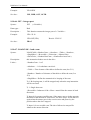
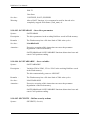
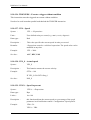
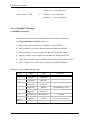
Instruction CAMSEG_S : returns the equation number of the cam that is running. The
returned value is valid only if MOVE_S is set.
Example :
IF CAMSEG_S=1 THEN GOTO ATTENTE_FIN_SEGMENT_1 ‘Cam between point 1 and
point 2
R510
- 166 -
SERAD S.A