1
ACE Contact Manager 7.1.0 User Manual
ACE Support
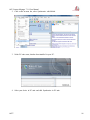
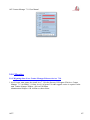
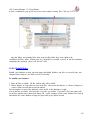
ACE 7.1.0 is supported in many ways. The first level of support begins with the use of the on-line help
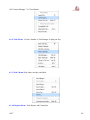
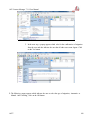
information. A click on Help brings up the Help menu for support. Clicking on Contents brings up the
browser based help file. In this help file under Contents are both a screen based traverse of the help
information and this user‟s guide. An index and the capability to search are also available on all these
help information. In addition in the Help menu the Current Topic can be selected. A section on the Help
menu also tells us about the features of the on-line help system.
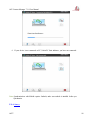
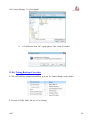
The second level of support is provided at the www.goace.com web site. The web site can be accessed
through any web browser and on computers which are on the web through the item on the Help menu.
The www.goace.com web site is being developed as a charted path through all the questions and
answers provided in the continuing support of ACE. The answers can refer to topics of the on-line ACE
help, other web sites, and special instructions, whatever can be found to support ACE users.
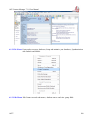
Finally, as a third, there is the purchased ACE support at the email [email protected]
Thirty days of support comes with the purchase of ACE. Beyond that time period, the user has many
options for purchasing additional support. These options are described on the www.goace.com web site.
Purchased support requires the serial number information contained in the Help menu under about.
Users moving from versions of ACE prior to fourth quarter 2003 are provided additional support as
deemed appropriate by SSGINDIA to assist them in moving to the new ACE. This policy also is
described on the www.goace.com web site.
Note:
Data from latest version of ACT which is using SQL Server, can be migrated as a separate
service on payment – please speak to [email protected]
ACE7
2