1
SDK Reference Manual
7.4.2
Debugger reference
Loading code
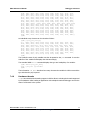
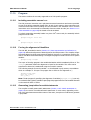
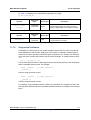
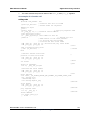
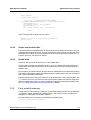
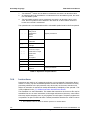
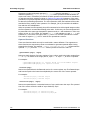
The executable code to be debugged needs to be loaded into the target device. This can be
done in two ways:
z
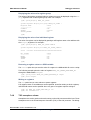
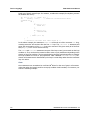
If the executable file name has been passed to the debugger on the command line, it
can be loaded by using the load command with no arguments:
csgdb cfitest.csx
...
(gdb) connect
0x80000000 in __FRAME_BEGIN_MONO__ ()
(gdb) load
(gdb)
z
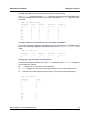
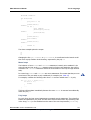
The executable file name can also be provided as an argument to the load command:
csgdb
...
(gdb) connect
0x80000000 in ?? ()
(gdb) load /csxtests/cfitest.csx
(gdb)
7.4.3
Executing code
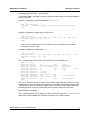
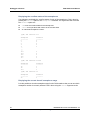
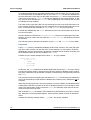
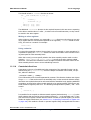
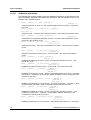
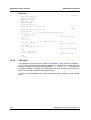
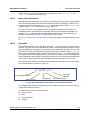
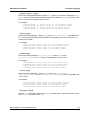
Once code is loaded you can start the code executing. The continue command, c, starts the
code from the entry point and runs until the program terminates:
csgdb
...
(gdb) connect
0x80000000 in ?? ()
(gdb) load /csxtests/cfitest.csx
(gdb) c
Continuing.
Mtap 0 has terminated.
Program exited normally.
(gdb)
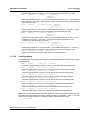
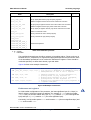
The code can also be single stepped at the instruction or source code statement level by
using the stepi or step commands. Subroutine branches can be stepped over at the
instruction or source code level by using the nexti or next command.
The command run performs the equivalent of a load followed by continue and is very
useful for starting or restarting program execution.
7.4.4
Mono debugging
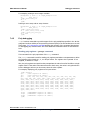
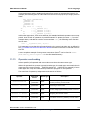
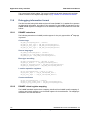
csgdb supports debugging mono code at both the instruction and source code level. The
standard GDB commands documented in [12]: Debugging with GDB are all available for use
when debugging mono code.
Document No. 06-RM-1600 Revision: 2.B
ClearSpeed Technology Ltd
69