1
Analog Audio Output
Analog Audio Output
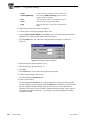
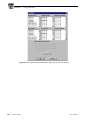
In analog audio output, you can change audio channel names, change line modes for XLR
connectors, or adjust individual or group line levels in decibels. Click Undo if you want to
cancel any changes, or click Help for context-sensitive Help.
To configure analog audio output:
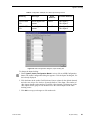
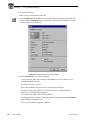
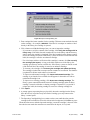
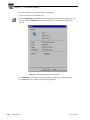
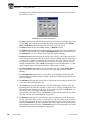
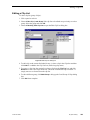
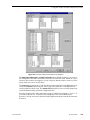
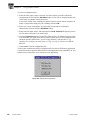
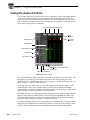
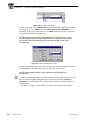
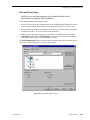
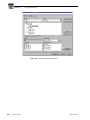
1. Expand Audio Output, and then click one of the Analog Channels to bring up the
Analog Audio Output dialog box. The channel numbers on the left refer to the physical
output connectors on the audio output box. Ch. 01 refers to the first connector, and Ch.
02 refers to the second connector, and so forth.
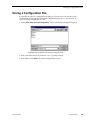
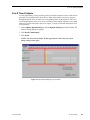
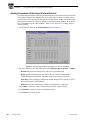
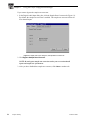
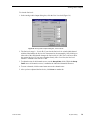
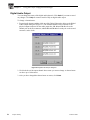
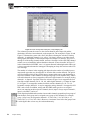
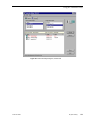
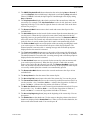
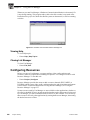
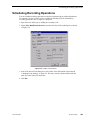
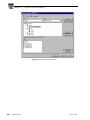
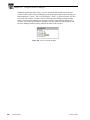
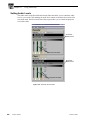
Figure 32. Analog Audio Output dialog box, Main tab
2. Click the Main tab, if it is not already visible.
3. Click in the box of the output channel whose name you want to change. A channel name
can have up to 30 characters.
4. After you have changed channel name(s), click Close or another tab.
3 March 2000
Profile Family
73