1
Input Page 1 – General
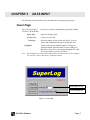
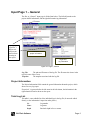
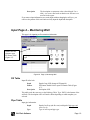
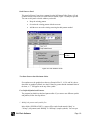
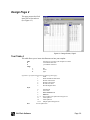
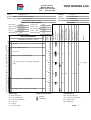
The first, or “General,” input page is divided into halves. The left half pertains to the
project and file information, and the right half contains log information.
File name
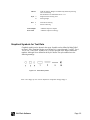
Tip: Typing
a period (.)
before text
will prevent
the text from
showing in
the report.
Left half =
project information
Right half =
log information
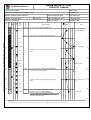
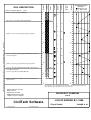
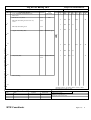
Figure 3-2 Page 1, General
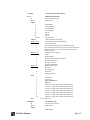
Log File:
The path and file name of the log file. The file name also shows in the
top left corner of the screen.
Template:
The template associated with the log file.
Project Information
The Project Information fields contain the general information about the project, which
shows on every log report.
If a period (.) is present before the title name in the left column, the information in the
right column will not be shown on the report.
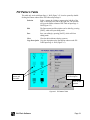
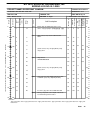
Total Log List
This table is a non-editable list of the individual logs in the log file. (It cannot be edited
directly, as the information is input from other places.)
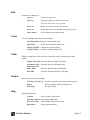
No.
Log number
Name
Log name
Depth
Borehole depth in feet or meters
CivilTech Software
Page 6