1
Configuring the Network Settings
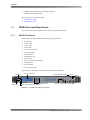
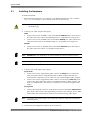
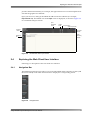
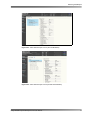
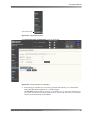
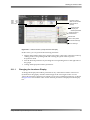
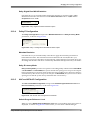
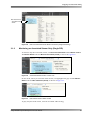
Figure 2‐1
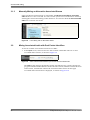
Figure 2‐2
Multichannel
analog out
AES out
AES in
AC power
ASI/SDI in
HDMI out
ASI/SDI out
HDMI in
Command
Media
(gigabit Ethernet) (gigabit Ethernet)
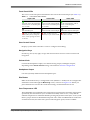
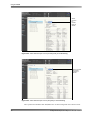
Figure 2-1
2.1.1
Connecting the Inputs and Outputs
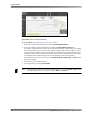
Connecting the Multichannel Analog Output
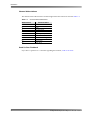
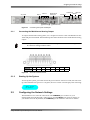
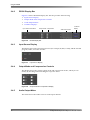
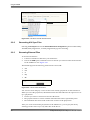
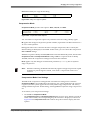
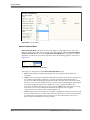
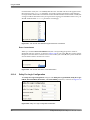
To output multichannel analog audio, use a 25‐pin D‐connector cable. The DP580 uses the TASCAM pinout standard. The DP580 maps the audio channels to the multichannel analog output.
Note:
Dolby does not provide this cable. You must purchase the TASCAM 25‐pin D‐connector analog breakout cable.
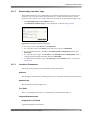
Channel
Pinout
Figure 2-2
2.1.2
L
1
R
2
C
3
LFE
4
Ls
5
Rs
6
Bsl
7
Bsr
8
25-Pin D-Connector Pinout
Starting Up the System
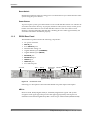
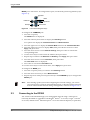
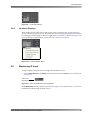
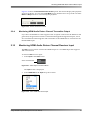
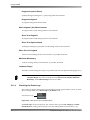
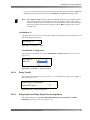
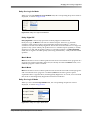
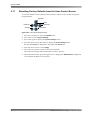
To start up the system, press and release the power button. After 45 seconds, the unit starts up, and when the boot process is complete, the user‐control screen displays the following:
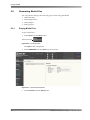
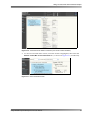
Figure 2‐3
SRC: None
No Audio
2.2
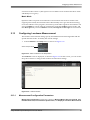
Configuring the Network Settings
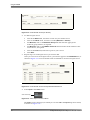
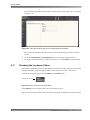
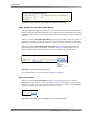
The DP580 uses two network connections. The COMMAND port connects to your management network through a web browser, and the MEDIA port connects directly to your media network. By default, the COMMAND port IP address is 192.168.1.2 and the Dolby® DP580 Professional Reference Decoder Manual
9