1
Modifying the Processing Configuration
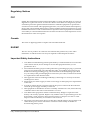
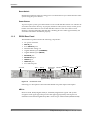
Dolby Digital Plus MS10 Emulation
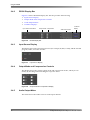
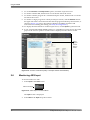
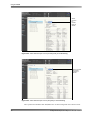
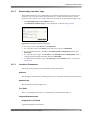
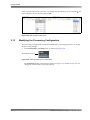
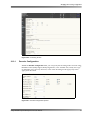
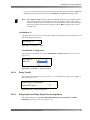
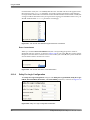
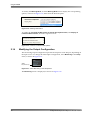
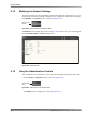
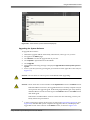
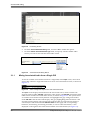
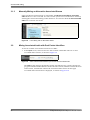
Check this box if you want the Dolby Digital Plus decoder to emulate a Dolby MS10 Multistream Decoder. This function sets the Stereo Downmix mode to Lo/Ro and the Compression mode to RF.
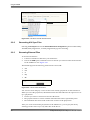
Figure 2‐66
Figure 2-64 Dolby Digital Plus MS10 Emulation Option
2.12.4
Dolby E Configuration
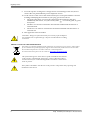
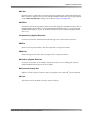
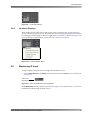
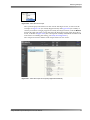
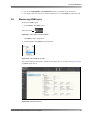
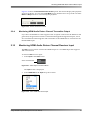
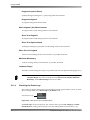
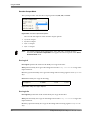
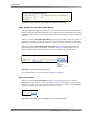
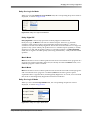
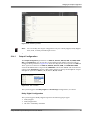
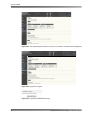
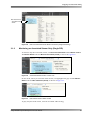
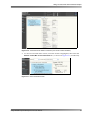
The Dolby E Configuration field provides Metadata Emulation and Dolby E Latency Mode parameters, as shown in Figure 2‐65.
Figure 2‐67
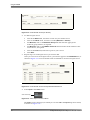
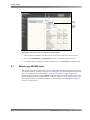
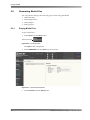
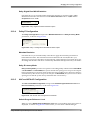
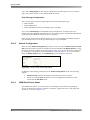
Figure 2-65 Dolby E Configuration Metadata Emulation Option
Metadata Emulation
Check this box if you want the Dolby E decoder to apply the metadata parameters to baseband PCM audio. This emulation function eliminates the encode/decode cycle, allowing you to preview the effects of downmixing, setting dialogue level, Dolby Pro Logic decoding, and the other functions controlled by metadata and experienced by consumers.
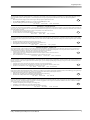
Dolby E Latency Mode
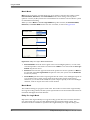
Dolby E Latency Mode provides two options for decoding Dolby E bitstreams: Lenient Mode and Strict Mode. In Lenient Mode, the system absorbs PA spacing errors in up to 130 samples before performing a correction, which results in many inaudible errors. However, this may result in latency inaccuracies in up to 130 samples. In Strict Mode, the system corrects all Pa spacing errors and the system always maintains the correct latency.
2.12.5
AAC and HE AAC Configuration
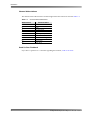
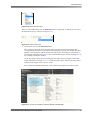
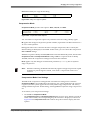
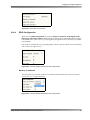
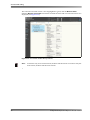
The AAC and HE AAC Configuration field provides Default Program Reference Level and
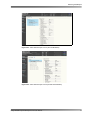
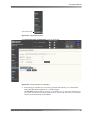
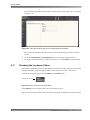
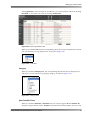
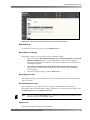
Error Concealment parameters, as shown in Figure 2‐66.
Figure 2‐68
Figure 2-66 AAC and HE AAC Configuration Parameters
Default Program Reference Level
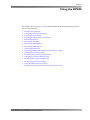
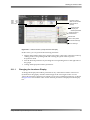
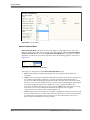
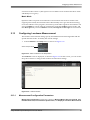
When you select Default Program Reference Level, the corresponding drop‐down menu is displayed, as shown in Figure 2‐67. In this menu, you can select a default dialogue Dolby® DP580 Professional Reference Decoder Manual
39