1
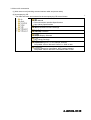
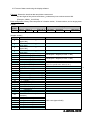
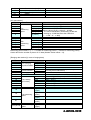
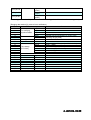
⑨ ErrorInfo tab
Displays information on any errors that have occurred on the sensor.
☆
9
4.4 How to use the FX8 setup software
This software can be used to set the IP address of the sensor and to switch the operating
mode (frame rate / number of measuring points).
(1) Installation
Copy the [fx8conftool.exe] file from the [FX8_setup software] folder on the accompanying
CD to your computer.
(2) Directions for use
• Connect the sensor and your computer using the communications cable, and switch on
the power to the sensor.
• Double-click the [fx8conftool.exe] file to start it.
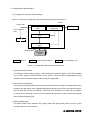
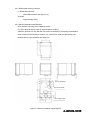
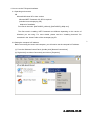
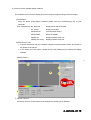
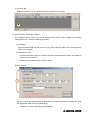
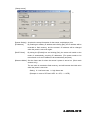
[Startup screen]
☆
1
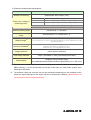
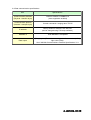
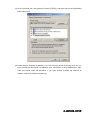
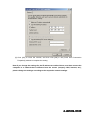
From (1), select the specifications for the sensor you want to change the settings for, enter
the appropriate data, and click [Start setup].
* Normally, select the [IP address specification].
A -LA9532ALA9532A- 020E
020E