1
2
Getting Started
Before you can begin using TX-UNPS, you must be assigned a user ID and password by the TX-UNPS Help
Desk that provides the required security rights. Once this setup is complete, you may use the Internet and
your assigned user ID and password to access and log onto the TX-UNPS web site.
Accessing the TX-UNPS Web Site
You can access TX-UNPS from any computer connected to the Internet by opening your Internet browser
and entering the following URL in the browser‟s address line:
https://txunps.texasagriculture.gov/
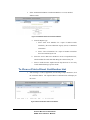
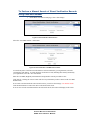
The TX-UNPS project page displays. Click the “Continue to TX-UNPS logon page” link to log into TXUNPS.
TIP: You can add this URL to your browser’s FAVORITES list or create a shortcut to
the web site on your desktop for quicker access to the site. Refer to your browser or
operating system help files for further information.
Figure 1 TX-UNPS Log-in Screen
2
SCHOOL NUTRITION PROGRAMS
DCDV SUPPLEMENTAL MANUAL