1
PR5851 Rev12 490X Eng Ref Guide.qxd
10/05/2012
11:32
Page 16
GT490X Engineer’s Reference Guide
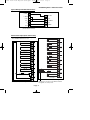
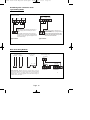
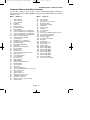
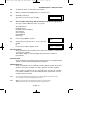
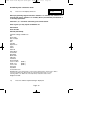
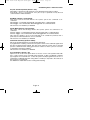
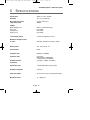
Headers & Options
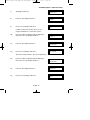
Headers & Options
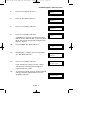
Service
Alarm Confirm
Mains OK 50Hz
Save Panel NVM to PTM
Load Panel NVM to PTM
Service Timer
Time To Next Service
Service Tel No.
Lock-Out On/Off
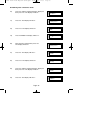
Engineer Mode Constant/Timed
Window Time
On Entry
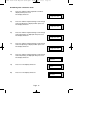
Sounder Mode
Reset Mode
Secondary Time
ET Mode
Bell Mode
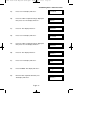
Strobe Mode
Start Delay
Comms Restore
Keypad Opening
ACE Battery Monitor
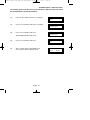
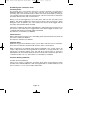
Custom Screens
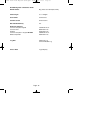
LCD Status Display
(To conform with EN standards, LCD Status is
defaulted to Off and cannot be changed)
LED Status Display
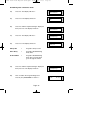
Diagnostics / Log
List Event Log
Change List Diagnostics
PSU Diagnostics
NovActive Diagnostics
PSU Test Time
Change / List Test Limits
Aux Volts
Battery Volts On Charge
Battery Volts Off Charge
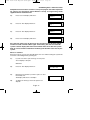
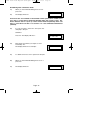
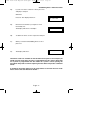
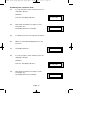
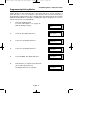
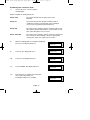
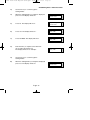
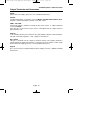
In conclusion, the Yes and No Keys are used to navigate. The No Key is also used to
change a value (may also require a numeric input) and the Zero Key is used to move
back a level (not when display is expecting a numeric input)
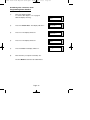
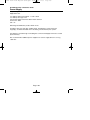
If you are confident in programming the GT490X Control Panel please use the headers
and options above to continue
Otherwise
Please continue with the next section for a Step by Step Guide to programming the
GT490X Control Panel.
Only the major options will be covered in the Step by Step sections. After
completing the sections you should be confident to program the remaining
options.
Page 16