1
LAPAC1750PRO Access Point Software User Manual
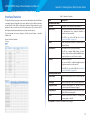
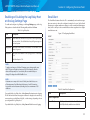
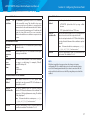
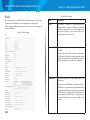
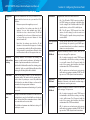
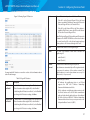
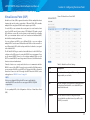
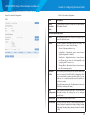
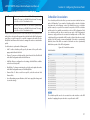
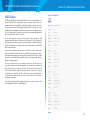
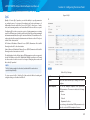
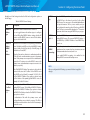
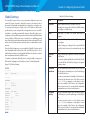
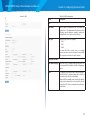
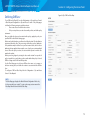
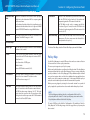
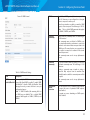
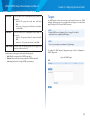
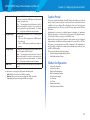
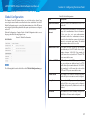
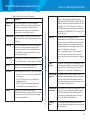
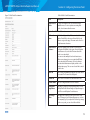
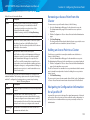
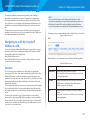
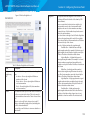
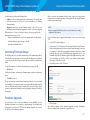
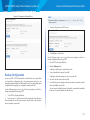
Figure 60: Cluster Channel Management
Section 3: Configuring the Access Point
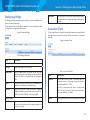
Stopping/Starting Automatic Channel
Assignment
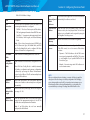
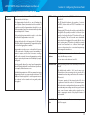
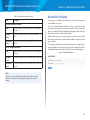
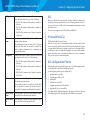
By default, automatic channel assignment is disabled (off ).
NOTE:
Channel Management overrides the default cluster behavior, which is
to synchronize radio channels of all APs across a cluster. When Channel
Management is enabled, the radio channel is not synced across the
cluster to other APs.
••
••
••
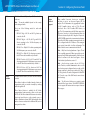
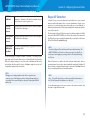
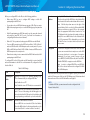
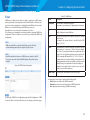
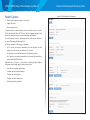
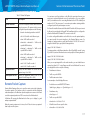
Click Start to resume automatic channel assignment.
When automatic channel assignment is enabled, the Channel Manager
periodically maps radio channels used by clustered access points and, if
necessary, re-assigns channels on clustered APs to reduce interference
(with cluster members or other APs outside the cluster).
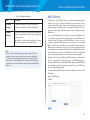
Click Stop to stop automatic channel assignment. (No channel usage
maps or channel re-assignments will be made. Only manual updates will
affect the channel assignment.)
••
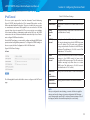
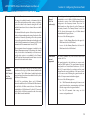
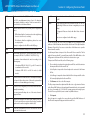
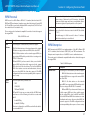
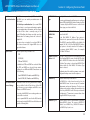
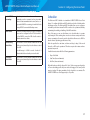
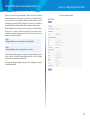
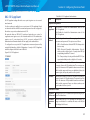
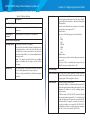
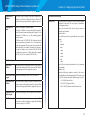
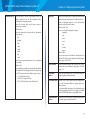
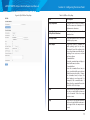
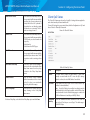
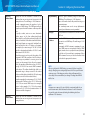
From this page, you can view channel assignments for all APs in the cluster
and stop or start automatic channel management. By using the advanced
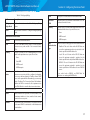
settings on the page, you can modify the interference reduction potential that
triggers channel re-assignment, change the schedule for automatic updates,
and re-configure the channel set used for assignments.
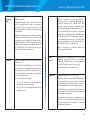
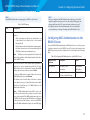
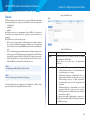
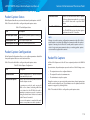
NOTE:
When automatic channel assignment is enabled, the channel policy
for the radio is automatically set to static mode, and the Auto option
is not available for the Channel field on the Wireless Settings or Radio
pages. This allows the automatic channel feature to set the channels
for the radios in the cluster.
105