1
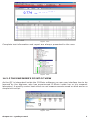
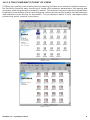
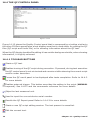
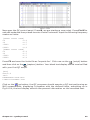
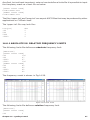
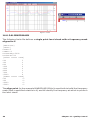
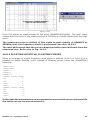
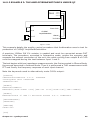
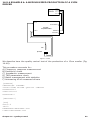
Figure 14.24
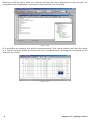
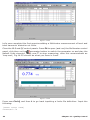
Let's now complete this first exercise adding a Multimeter measurement of level and
total harmonic distortion at 1kHz.
Close the MLS and QC control panels. Press F4 to open (and run) the Multimeter control
generator button to switch the generator on and play the
panel, click then on the
default 1kHz sinusoid. Press now T to stop measuring; save this measurement as
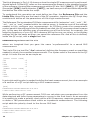
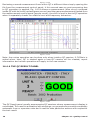
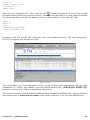
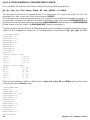
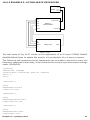
'loop.met'; Fig.14.25 should be what you have in front.
Figure 14.25
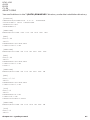
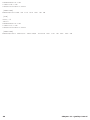
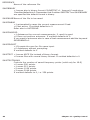
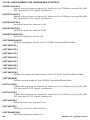
Press now Ctrl-Q and then L to go back inputting a limits file definition. Input the
following:
[UPPER LIMIT DATA]
VOLTAGE=0.78
24
Chapter 14 - Quality Control