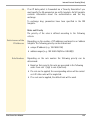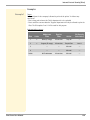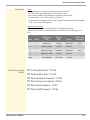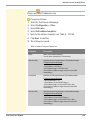
1
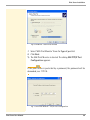
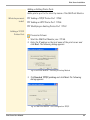
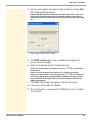
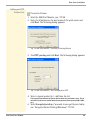
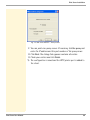
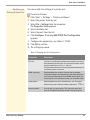
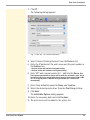
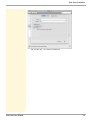
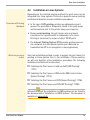
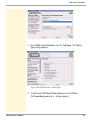
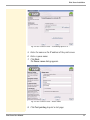
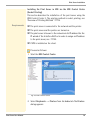
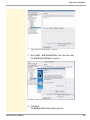
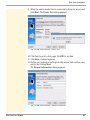
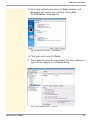
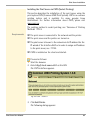
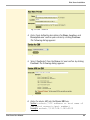
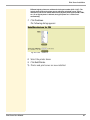
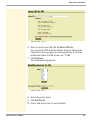
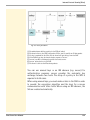
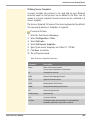
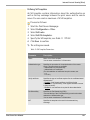
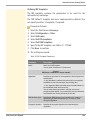
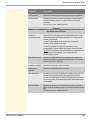
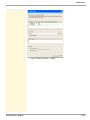
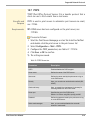
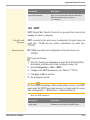
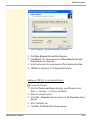
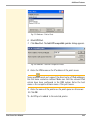
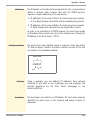
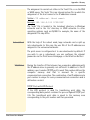
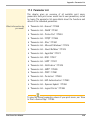
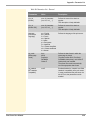
Print Server Installation Adding or Editing Printer Ports Add a printer port to the client by means of the SEH Print Monitor. What do you want to do? ’Adding a TCP/IP Printer Port’ Ö62 ’Adding an HTTP Printer Port’ Ö64 ’Modifying an Existing Printer Port’ Ö67 Adding a TCP/IP Printer Port Proceed as follows: 1. Start the SEH Print Monitor; see: Ö59. 2. Enter the IP address or the host name of the print server and click Next. The following dialog appears: Fig. 9: SEH Print Monitor – Selecting a Printing Method 3. Tick Standard TCP/IP printing and click Next. The following dialog appears: Fig. 10: SEH Print Monitor - Port Configuration-TCP/IP Print Server User Manual 62