1
Print Server Installation
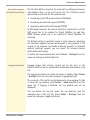
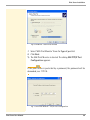
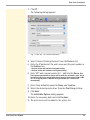
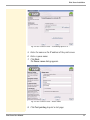
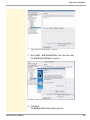
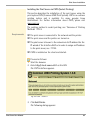
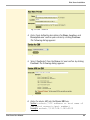
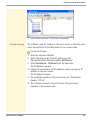
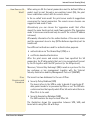
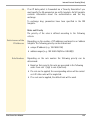
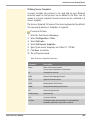
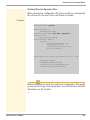
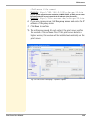
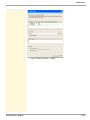
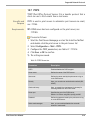
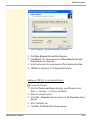
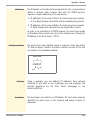
Fig. 28: Add Printer Wizard - Backend Selection
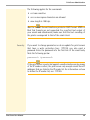
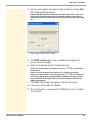
5. Tick Network printer (TCP) and click Next. The Network Printer
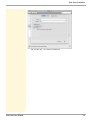
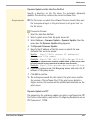
Information dialog appears.
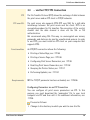
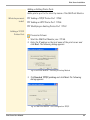
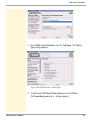
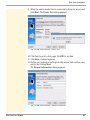
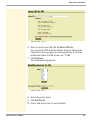
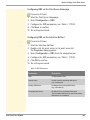
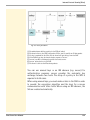
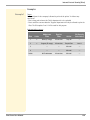
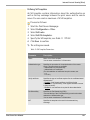
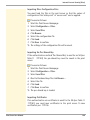
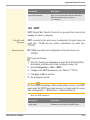
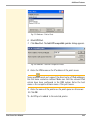
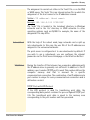
Fig. 29: Add Printer Wizard - Network Printer Information
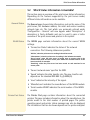
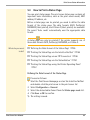
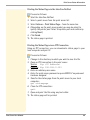
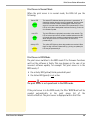
6. Define the print server.
Enter the IP address into the Printer address box or scan the
network for the print server.
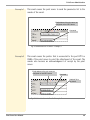
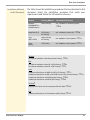
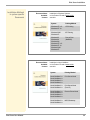
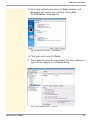
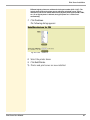
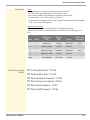
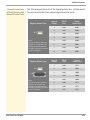
Different logical printers are addressed via the port number (9100 - 9107). The
logical printer defines the printer port to which the print data is sent. This is
Print Server User Manual
81