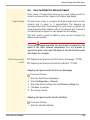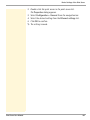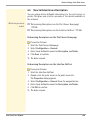
1
Print Server Port Settings
7 Print Server Port Settings
This chapter explains how you can improve the
interaction between printer and print server by
choosing the right port settings.
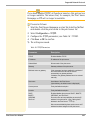
Feasible port settings depend on your print server model. In the case
of print servers with several ports, you can configure the parameters
for each port individually.
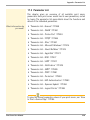
What information do
you need?
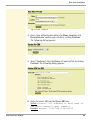
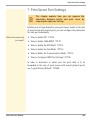
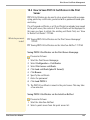
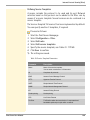
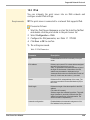
• ’How to Enable PJL’ Ö110
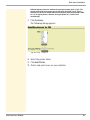
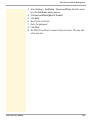
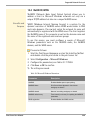
• ’How to Enable 1284.4/MLC’ Ö111
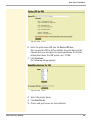
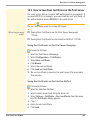
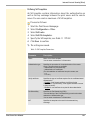
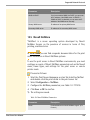
• ’How to Enable the ECP Mode’ Ö113
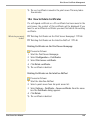
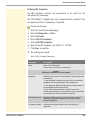
• ’How to Enable the Fast Mode’ Ö114
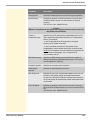
• ’How to Define the Communication Mode’ Ö115
• ’How to Configure COM1 Port Settings’ Ö116
In order to determine to which port the print data is to be
forwarded in the case of print servers with several physical ports;
see: ’Logical Printers (Filters)’ Ö220.
Print Server User Manual
109