1
Configuration techniques
5.3.7
Decimal places with tags
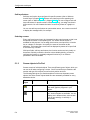
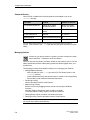
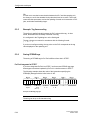
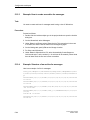
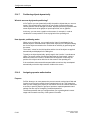
With Windows-based systems, the possible number of decimal places with the
decimal notation is always 0 to 16.
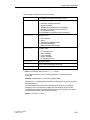
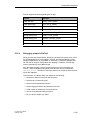
If yo wish to display tags with decimal places in an input/output field, the tags must
have a suitable format: this differs as a function of the selected PLC:
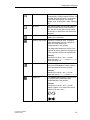
PLC driver
Number
Format
SIMATIC S5
0 through 16
KG
SIMATIC S7
0 through 16
REAL
Allen-Bradley
0 through 16
REAL
<No PLC>
0 through 16
FLOAT
SIMATIC WinAC
SIMATIC 500/505
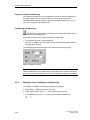
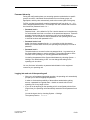
Special features when inputting limit values
Limit values for tags are entered without a point. The constant for the limit value is
interpreted differently, depending on whether decimal places have been specified
for the tag.
The number of specified decimal places determines how many places of the limit
value are interpreted as decimal places.
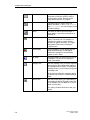
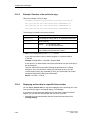
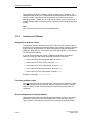
The table shows an example.
Decimal places
5.3.8
Limit Value Entered
Interpreted by ProTool
0
2275
2275
1
2275
227,5
2
2275
22,75
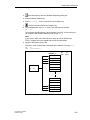
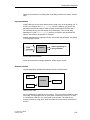
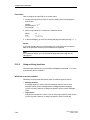
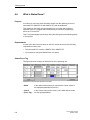
What is address multiplexing?
Definition
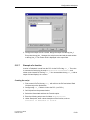
With address multiplexing, the address parameters of a tag are modified as a
function of the value of the multiplex tag.
ProTool User’s Guide
Release 12/99
5-33