1
Creating projects
4.2
What does a ProTool project consist of?
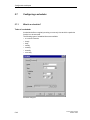
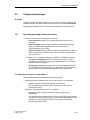
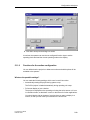
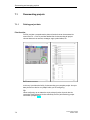
When you open a new or an existing project, the project window opens.
What objects are there in ProTool?
In the project window, the object types you can configure appear on the left, and
the objects themselves appear on the right. The objects that you can configure
depend on the type of the operating unit.
The various objects are linked directly in ProTool with the tool required to edit
them.
What is displayed in the project window?
The project data of a ProTool project is stored in the form of objects. The objects
in a project are arranged in a tree structure.
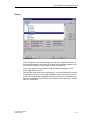
The Project window displays object types that belong to the project and that you
can configure for the selected operating unit. The project window is comparable
with Windows® Explorer. The object types contain objects with properties that can
be set.
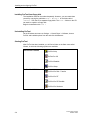
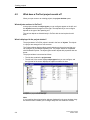
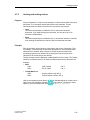
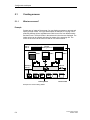
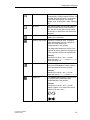
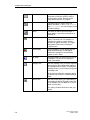
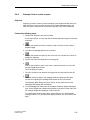
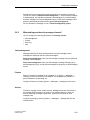
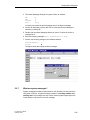
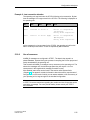
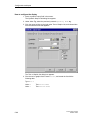
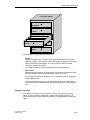
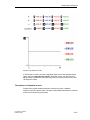
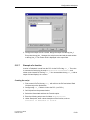
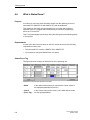
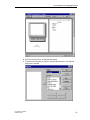
The project window is structured as follows:
• The title bar contains the project name.
• The left half of the screen displays object types that you can configure, and
the right half of the screen displays the objects contained in them.
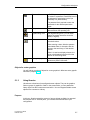
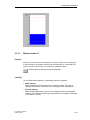
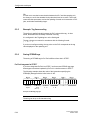
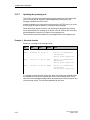
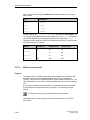
Example of a project window with tags
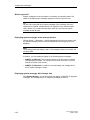
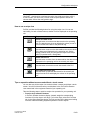
Note
If you maximize the project window, tabs are displayed for the open windows along
the bottom border to enable you to change easily from one window to another.
4-4
ProTool User’s Guide
Release 12/99