1
Configuration techniques
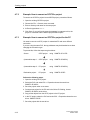
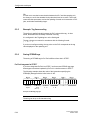
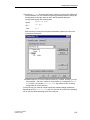
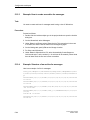
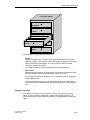
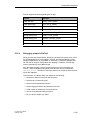
Let us assume that a recipe called Mixture is created, containing the following
data structure:
Tag
Designation
Var_2
l orange
Var_3
l water
Var_4
kg sugar
Var_5
g flavor
The tag designations l orange, g flavor etc., are known as entry names. The
entry names are displayed as well on the operating unit. Tag Var_2, for example,
can thus be identifed as the tag designating the mixture component orange.
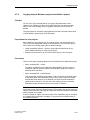
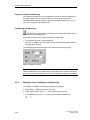
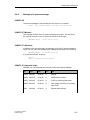
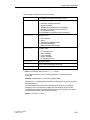
The data records contain the values for the different drink types. The data records
could be as follows, for example:
5.13.2
Mixture
Orange juice
Orange nectar
Orange drink
l orange
95
90
70
l water
5
10
30
kg sugar
3
10
45
g flavor
100
300
600
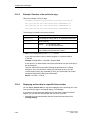
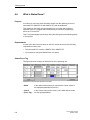
What is a recipe view?
Purpose
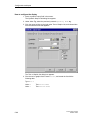
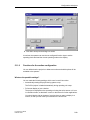
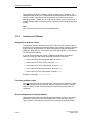
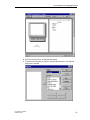
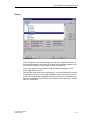
The recipe view is a compact screen object which enables you to handle recipes
and data records quickly and straightforwardly, with minimal configuration.
Typically, you will use it to edit data records of smaller recipes in tabular form. You
can use the recipe view to create, save and transfer data records on the operating
unit.
If you want to customize the user interface for editing data records, for example,
by simulating the visual appearance of your system, you can also use recipe
screens.
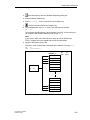
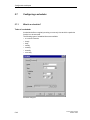
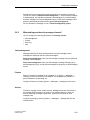
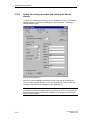
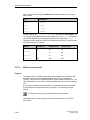
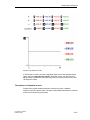
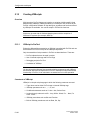
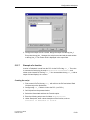
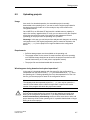
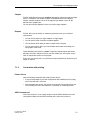
Configure the recipe view by selecting the symbol illustrated.
Detailed guidance on configuring the recipe view can be found in the ProTool
online Help.
5-102
ProTool User’s Guide
Release 12/99