1
webConnect
User Manual
1
1.1
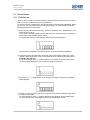
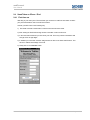
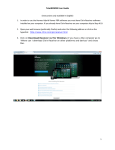
Start webConnect
Important information
Before you login you should be aware that with webConnect you are making a data connection
from an external or private device to the DACHSER network.
This represents a security risk!
Therefore, after finishing your work, close the session, close all windows and delete the cache
of your browser.
Please note the following Restrictions:
-
Using webConnect you can only access the applications available via your Citrix
environment.
You cannot exchange files between the webConnect session and the terminal.
You cannot use a printer connected to your terminal from the webConnect session.
Dachser GmbH & Co. KG
Page 3 of 27