1
webConnect
User Manual
2.1
Secure Reader
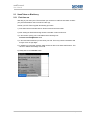
2.1.1 First time use
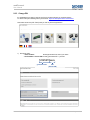
When you have received your smartcard with the associated secure reader from the IT Service
Desk, on first use you must fix a PIN for your smartcard.
For security reasons, until this point in time all chip cards are protected with a ZEROPIN. Before
you use your card you need the secure reader (card reader), your personal chip card and the
following description of the procedure.
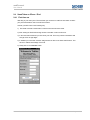
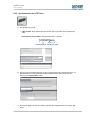
1) Insert your chip card (with the gold chip – similar to a telephone card - upward) into the card
reader as far as it will go.
Or you have a small chip (similar to a SIM card) which you can insert in the secure reader by
means of the holder included with the delivery.
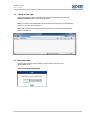
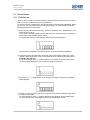
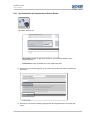
The card reader switches on automatically and shows the following display:
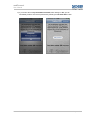
This represents “1N000000” and indicates that the card is blocked with the ZEROPIN.
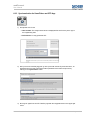
2) Using the keypad of the card reader you MUST enter a new 6 digit PIN which may not be
“000000”. Select a PIN which is easy to remember but which cannot be guessed by others.
Remember this PIN well!
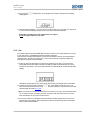
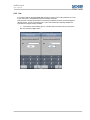
For each number you enter a “-“(hyphen) appears on the display of the card reader. When
you have entered all 6 digits of your new PIN the display looks like this:
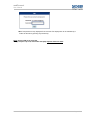
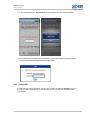
3) Now press the
display appears:
(ENTER) key on the keypad of the reader. Thereupon the following
4) In order to confirm your PIN you must now enter the same number combination again using
the keypad of the reader.
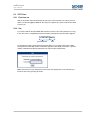
For each number you enter a “-“(hyphen) appears on the display of the card reader. When
you have repeated entry of all 6 digits of your PIN the display looks like this:
Dachser GmbH & Co. KG
Page 6 of 27