1
Gigaset E310/E310A / Great Britain / A31008-M2301-L101-1-7619 / telephony.fm / 26.07.2011
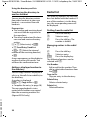
Using the directory and lists
Answering machine list
(Gigaset E310A only)
The answering machine list contains
all the calls recorded by the answering machine. You can use the list to
listen to messages on the answering
machine (¢ page 35).
Network mailbox list
You can use this list to listen to messages on the network mailbox
(¢ page 39).
Calls list
Prerequisite: CLIP (¢ page 27)
Depending on the type of list set,
the calls list contains:
u All calls
– Accepted calls
– Unanswered calls
– Calls recorded by the answering machine (Gigaset E310A
only)
u Missed calls
– Unanswered calls
– Calls not recorded by the
answering machine
(Gigaset E310A only)
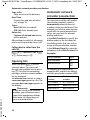
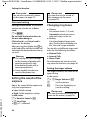
Setting the call list type
§Menu§ ¤ q Settings ¤ §OK§
¤ q Base ¤ §OK§
¤ q Call list type ¤ §OK§
¤ q Missed Calls /All Calls
¤ §OK§ (‰= selected)
a
Press and hold (idle status).
The calls list entries are retained
when you change the list type.
Depending on the type of list set, all
numbers of the last 25 incoming
calls are saved or just the missed
calls are saved.
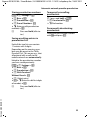
Opening the calls list
’ ¤ q CallsList
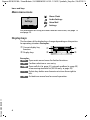
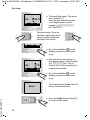
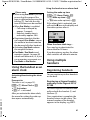
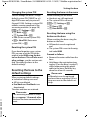
The calls list is displayed as follows:
CallsList
Number of new entries + number of old,
read entries.
§OK§
Press the display key to
open the list.
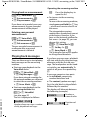
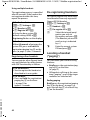
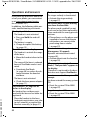
The last incoming call is displayed.
The display will alternate between
the following (example):
Number or
name of caller
12345678
23.04.
Version 5, 03.04.2011
01+02
10:53
Date/time of
call
If necessary, use q to select
another entry.
The following functions can be
selected with §Menu§ ¤ q:
Delete Entry
Delete current entry.
31