1
CMSImport PRO User manual
Version 2.5
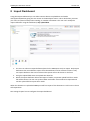
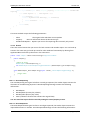
Quick tip:
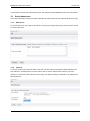
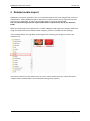
When your fieldnames from the datasource are the same as the alias of the document property
CMSImport will automatically map this field.
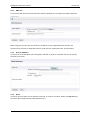
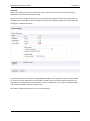
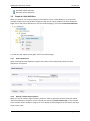
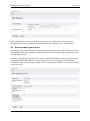
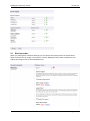
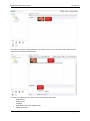
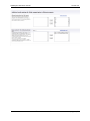
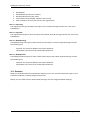
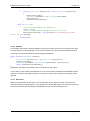
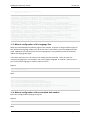
When you click on the green plus sign you can set advanced settings for that particular datatype. It
should be at least possible to specify a default value for each datatype. Below you see the advanced
settings for a datetime datatype.
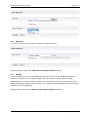
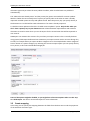
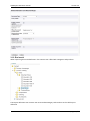
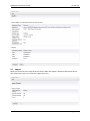
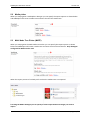
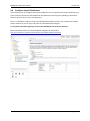
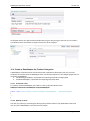
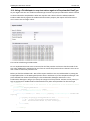
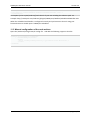
Every datatype has its own options. Using CMSImport PRO it’s also possible to import media related
to content the only requirement is that media is stored in the root of the website. Whenever you
map against a media picker or rich text editor screen it’s possible for you to specify a media location
and it’s even possible to specify a default value;
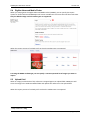
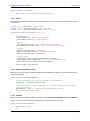
See chapter “Related media import” for more information.
© 2013 Soeteman Software
page 12 / 49