1
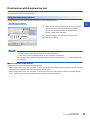
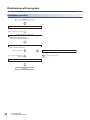
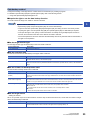
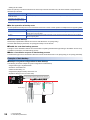
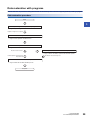
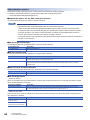
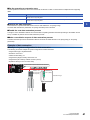
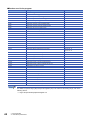
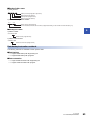
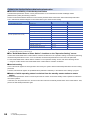
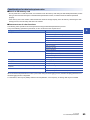
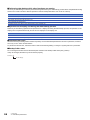
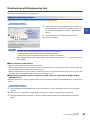
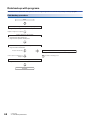
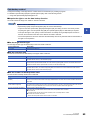
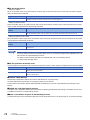
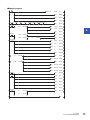
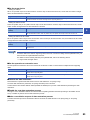
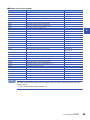
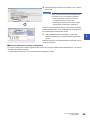
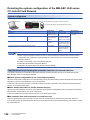
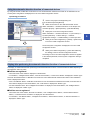
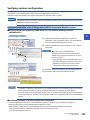
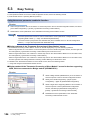
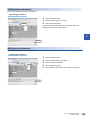
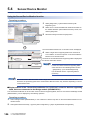
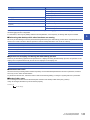
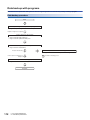
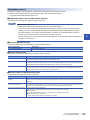
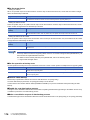
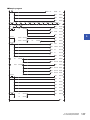
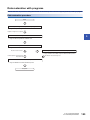
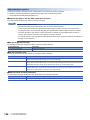
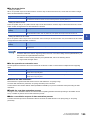
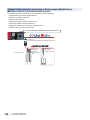
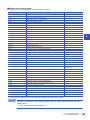
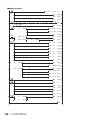
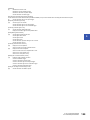
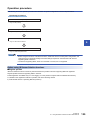
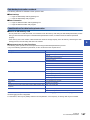
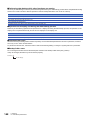
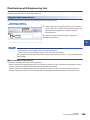
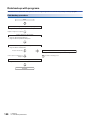
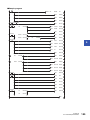
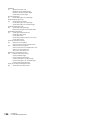
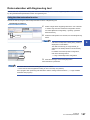
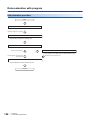
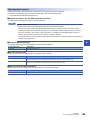
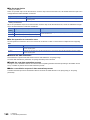
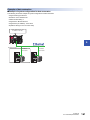
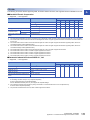
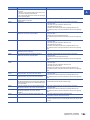
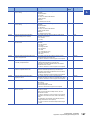
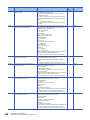
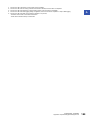
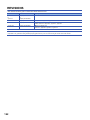
■Set the target device • Setting the module When '1H' (module unit) is set for the execution unit in the step of 'Set the execution unit', set the start I/O number of target device for data restoration to SD1439. Target device (Module) Description 0 to FFH: Start I/O number When '1H' (module unit) is set for the execution unit, set the value obtained by dividing the start I/O number of CC-Link IE Field Network master/local module connected to the target devices supporting iQSS by 16. • Setting the station number When '2H' (station unit) or '3H' (station sub-ID unit) is set for the execution unit in the step of 'Set the execution unit', set the station number of target device for data restoration to SD1440. Target device (Station number) Description 1 to 120: Station number Set the station number of the target devices supporting iQSS or the devices supporting iQSS, which are connected to the specified station number, when '2H' (station unit) or '3H' (station sub-ID unit) is set for the execution unit. 5 • Setting the station sub-ID number When '3H' (station sub-ID unit) is set for the execution unit in the step of 'Set the execution unit', set the station sub-ID number of target device for data restoration to SD1441. Target device (Station sub-ID number) Description 0 to 9999: Station sub-ID number Set the station sub-ID number of the target device supporting iQSS when '3H' (station sub-ID unit) is set for the execution unit. To restore data for the devices supporting iQSS, which are connected to Bridge module (NZ2AW1GFAL), set the ID number of AnyWireASLINK to SD1441. For details on the ID number (SD1440) of AnyWireASLINK, refer to the following section. Page 40 Set the target device ■Set the operation at restoration error Set the operation at restoration error to the lower 8 bits of SD1444 in order to restore data for multiple devices supporting iQSS. Operation at error Description 0H: Continue Continues the processing even when the data restoration fails on some devices during the data restoration process for multiple devices supporting iQSS. 1H: Stop Terminates the processing when the data restoration fails on some devices during the data restoration process for multiple devices supporting iQSS. ■Perform the data restoration Data restoration is performed if SM1439 is turned on while SD1446 is '1H' (being ready). Once the data restoration is performed, '2H' (being executed) is set to SD1446. Confirm that the other station data link status (SW00B0 to SW00B7) is in process of data link before performing the data restoration. ■Enable the next data restoration process The right-to-use is released if SM1435 is turned ON after completing the data restoration (including a cancellation and an error). It enables to perform the next data restoration process. ■Make a cancellation request of data restoration process The data restoration process is terminated if SM1442 is turned ON while SD1446 is '1H' (being ready) or '2H' (being performed). 5 CC-Link IE Field Network 5.5 Data Backup/Restoration 125