1
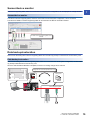
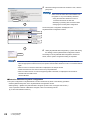
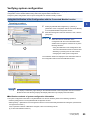
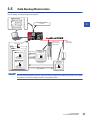
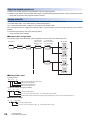
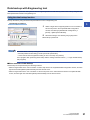
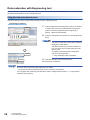
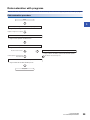
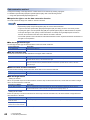
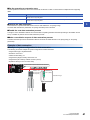
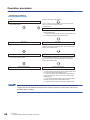
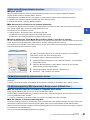
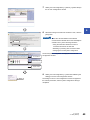
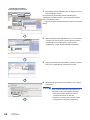
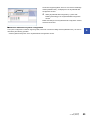
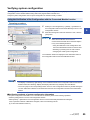
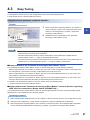
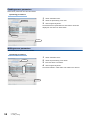
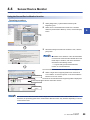
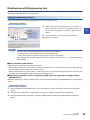
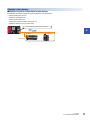
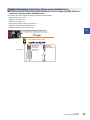
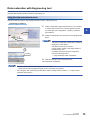
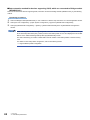
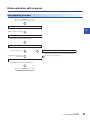
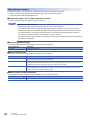
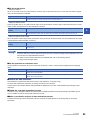
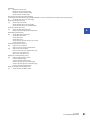
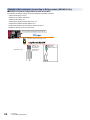
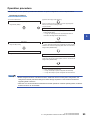
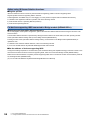
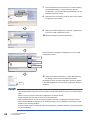
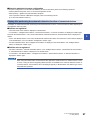
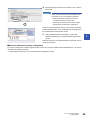
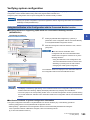
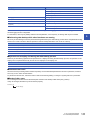
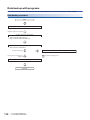
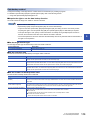
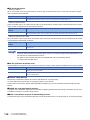
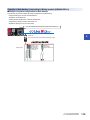
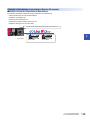
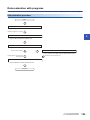
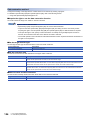
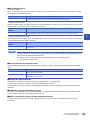
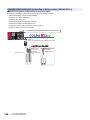
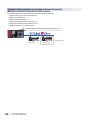
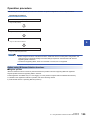
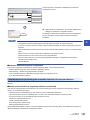
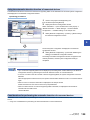
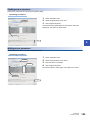
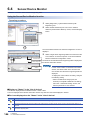
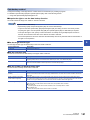
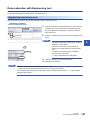
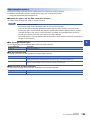
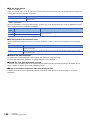
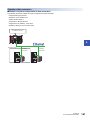
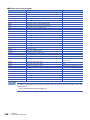
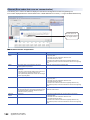
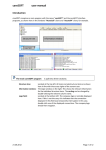
4. Read the message and select the checkbox. Then, click the [Yes] button. Select "Execute Detect Now after Address Autorecognition" in any of the following situations. 1. Check • Using the automatic detection function of connected devices for the first time 2. Click • Resetting or powering OFF the CPU module • Changing the actual system configuration The devices supporting iQSS, which are connected to the Bridge Select module (NZ2AW1GFAL), of the AnyWireASLINK are displayed in the AnyWireASLINK Configuration window. 5. Select [AnyWireASLINK Configuration] [Close with 5 Enabling the Setting] in the AnyWireASLINK Configuration window. Enable the settings in the AnyWireASLINK Configuration window, and close the window. ■Detection methods of system configuration The system configuration of devices supporting iQSS, which are connected to Bridge module (NZ2AW1GFAL), can also be detected by the following operation. • Click the [Detect Now] button in the AnyWireASLINK Configuration window. 5 CC-Link IE Field Network 5.2 Easy Startup 99