1
Adding Dimensions
Dimensions are used to make the geometry the desired size. CADMAX does not require that you
add dimensions before you extrude the model. You can always return to the sketch and add
dimensions or change the sketch later in the design.
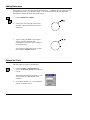
1.
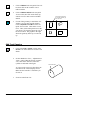
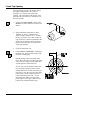
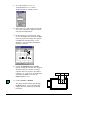
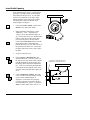
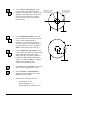
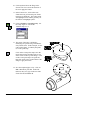
Click on Dimension > Radial.
2.
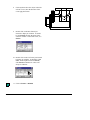
Click on the circle. Drag the cursor to the
desired text position and click to place the
dimension.
3.
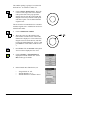
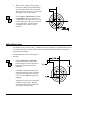
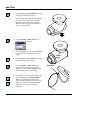
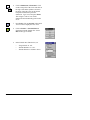
Type in 5 and press Enter. This assigns a
value of 5 for the dimension and
automatically resizes the circle according to
the assigned value.
You can always change this value at a later
time using the Equation function.
Extrude the Circle
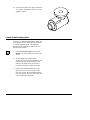
The first feature in a part is called the base.
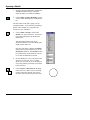
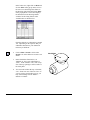
1.
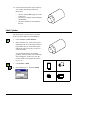
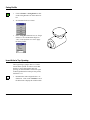
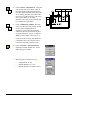
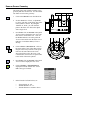
Click on Feature > Extrude Sketch or
click on the Extrude Sketch icon on the top
tool bar.
The Extrude Base dialog box appears so you
can specify the type and distance of the
extrusion.
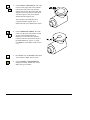
2.
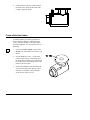
Set -Extrude Distance? to ‘15' and -Extrude
Extent? to ‘Distance Above’.
CADMAX User's Manual
Solids Tutorial / 5