1
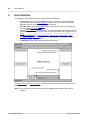
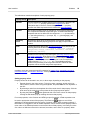
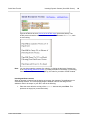
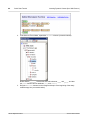
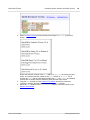
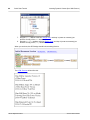
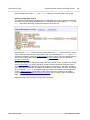
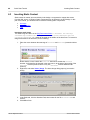
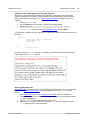
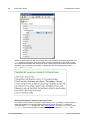
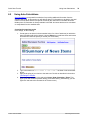
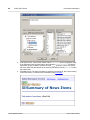
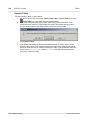
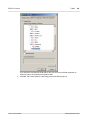
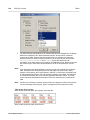
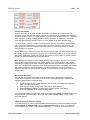
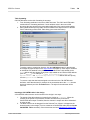
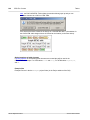
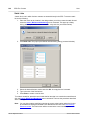
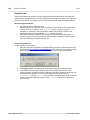
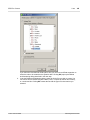
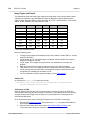
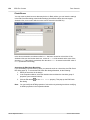
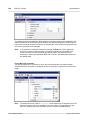
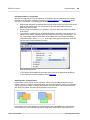
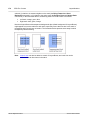
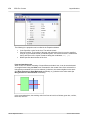
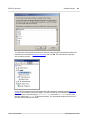
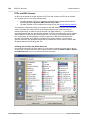
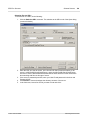
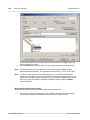
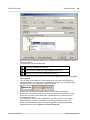
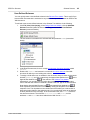
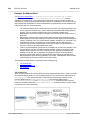
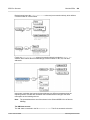
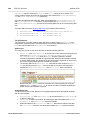
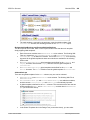
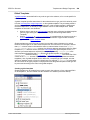
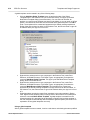
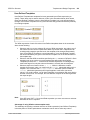
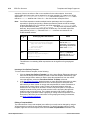
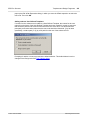
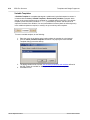
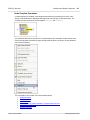
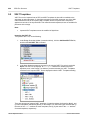
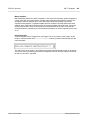
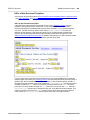
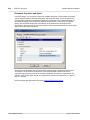
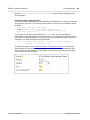
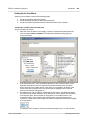
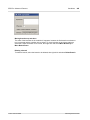
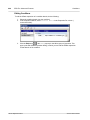
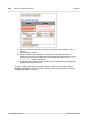
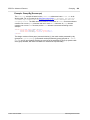
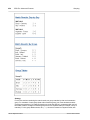
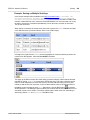
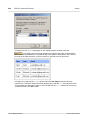
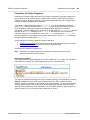
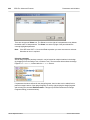
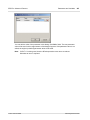
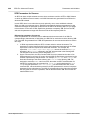
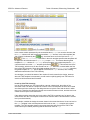
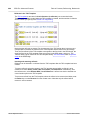
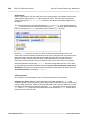
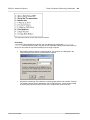
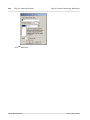
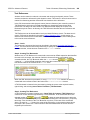
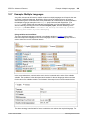
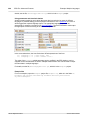
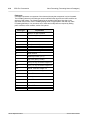
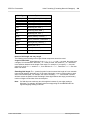
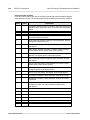
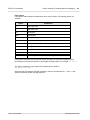
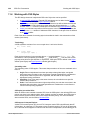
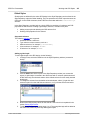
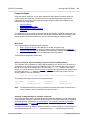
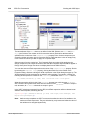
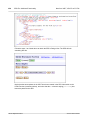
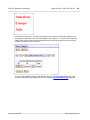
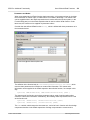
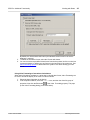
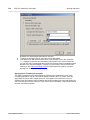
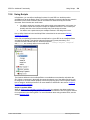
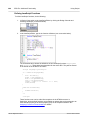
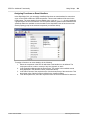
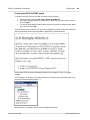
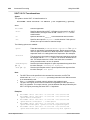
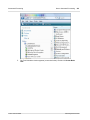
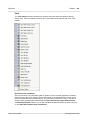
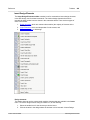
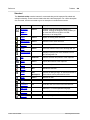
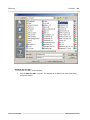
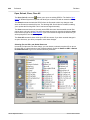
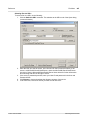
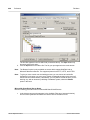
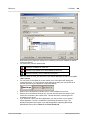
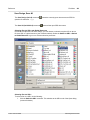
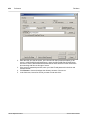
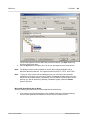
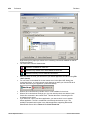
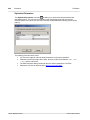
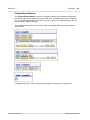
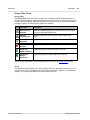
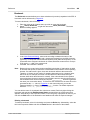
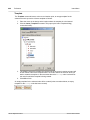
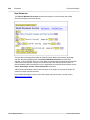
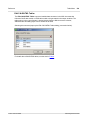
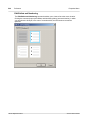
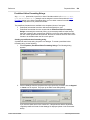
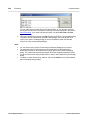
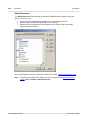
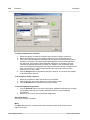
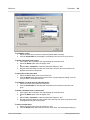
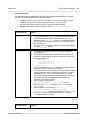
152 SPS File: Content Graphics Example: A Template for Images The StyleVision package contains an SPS file that demonstrates the use of images in StyleVision. This file is in the (My) Documents folder: C:/Documents and Settings/ <username>/My Documents/Altova/StyleVision2012/StyleVisionExamples\Tutorial \Images\Images.sps. The Images document (Images.xml and Images.sps) consists of three parts: The second part contains a table showing which image formats are supported in the various StyleVision output formats. Note that the RTF, PDF and Word 2007+ output formats are available only in the Enterprise Edition and Professional Edition (RTF only) of StyleVision. In Design View, only images with static URIs will be displayed. All the image formats listed in the table are displayed in Part 3 of the Images document. In Part 3, all the popular image formats supported by StyleVision are displayed one below the other. After opening the file Images.sps in StyleVision, you can switch among the various previews of StyleVision to see how each image is displayed in that preview. Since the location of the image is in an XML node, you can also enter the location of your own images in Authentic View and test their appearances in the preview windows. Altova StyleVision 2012 © 2011 Altova GmbH