1
Mac USB DataBridge Installation
Follow the steps below to install the Mac USB DataBridge:
1.
Run the Mac USB DataBridge Installation program
2.
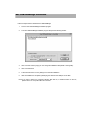
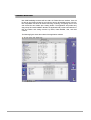
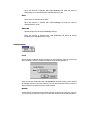
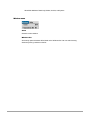
The Mac USB DataBridge Installation program will open the following window:
3.
Click on Install Location popup you can change the installation disk (default - starting disk).
4.
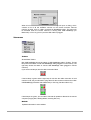
Click on Install button.
5.
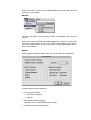
Follow the instructions on every dialog box to finish the installation.
6.
After the installation is completed, please plug the cable into the USB port on the Mac.
Note:If you want to build up a connection between Mac and PC, to install the driver on the PC,
please refer to PC-Linq USB cable user’s manual.