1
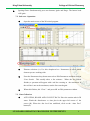
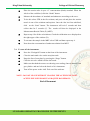
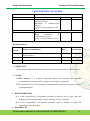
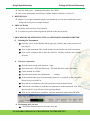
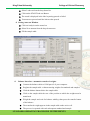
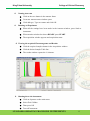
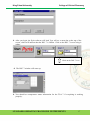
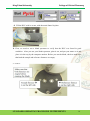
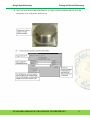
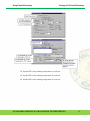
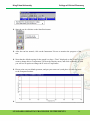
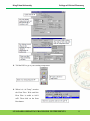
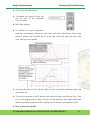
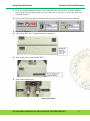
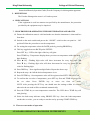
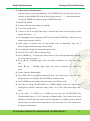
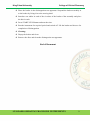
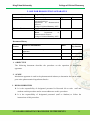
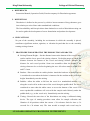
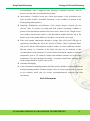
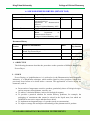
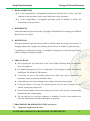
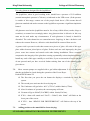
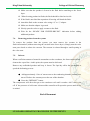
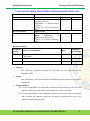
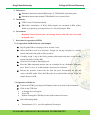
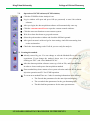
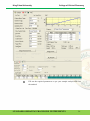
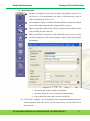
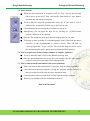
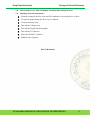
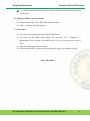
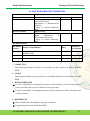
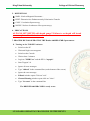
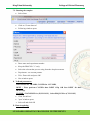
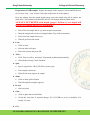
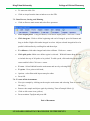
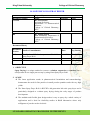
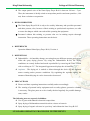
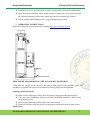
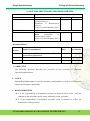
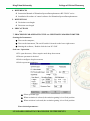
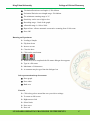
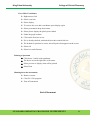
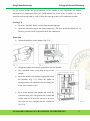
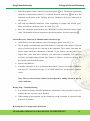
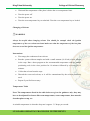
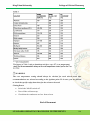
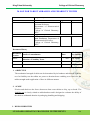
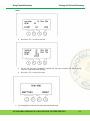
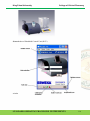
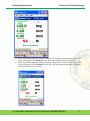
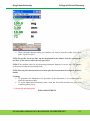
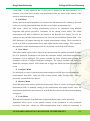
King Faisal University College of Clinical Pharmacy Cross Hair Coordinates Right mouse click Select cross hair Select display To remove the cross hair coordinates press display again Select presentation drop down menu Select plot to display the plot layout window Under the graph column Click on the first box in row If it is already checked, uncheck the box then recheck the box The default for plot data is screen, this will print what appears on the screen Select Ok Select box under Params Printing a Spectrum Click boxes 3 and 4 under quadrants The boxes are on the right side of the menu Select preview to display what will be printed Select Print Shutting down the instrument Remove cuvette Close PC-1501 program Turn off instrument End of Document STANDARD OPERATING PROCEDURE: INSTRUMENTS 88