1
FINAL DRAFT
288 - Macros
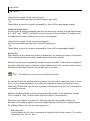
Macros are key combinations for entering text. Final Draft comes with twenty built-in macros
for entering the most frequently-used scriptwriting terms (INT., EXT., - DAY, CUT TO:, etc.).
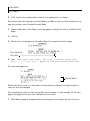
When the appropriate keys are pressed, the associated text will be typed into the script as if it
was entered manually. Macros can also be set to create specific element paragraphs before and
after their text is entered.
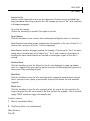
Macros may be modified and their behaviors changed.
Final Draft for Windows and Final Draft for Macintosh offer slightly different versions of the
Macros feature, with a few different functions. They will be discussed separately.
Windows
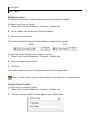
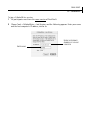
To view or modify macro settings:
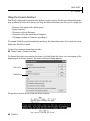
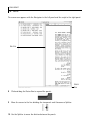
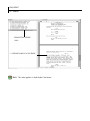
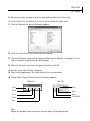
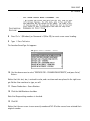
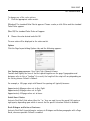
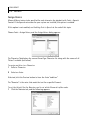
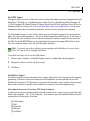
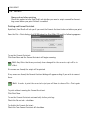
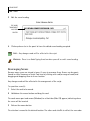
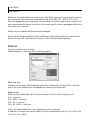
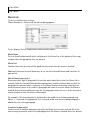
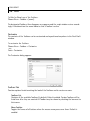
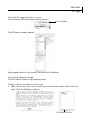
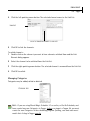
Choose Document > Macros and the following appears:
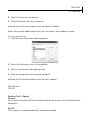
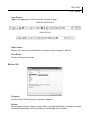
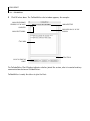
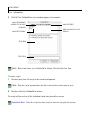
Name text area
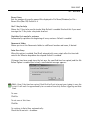
Contains the text name (usually abbreviated) which is displayed in the Status Bar at the bottom of the script window when the appropriate shortcut keys are pressed.
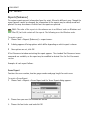
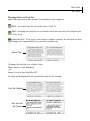
Shortcut area
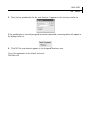
Shows the key combinations for the macro selected in the list, which may consist of:
Ctrl + <any key>
Ctrl + Shift + <any key>
Ctrl + Alt + <any key>
Ctrl + Alt + Shift + <any key>
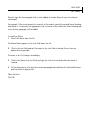
That is, any combination that is not assigned to a menu command.
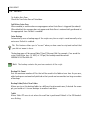
In addition, a Function key may be used by itself or in combination with Ctrl, Ctrl + Shift, Ctrl
+ Alt, Ctrl + Alt + Shift.